

Introduction
When I first considered building a website, I wondered if it was even possible for a beginner like me. The idea seemed daunting, but I quickly realised that with the right tools and guidance, anyone can create a functional and visually appealing site. Whether for personal branding, a small business, or a creative project, the process is more accessible than ever. Let’s explore how beginners can dive into website building with confidence.
Key Takeaways
- Website building is achievable for beginners with user-friendly platforms like WordPress or Wix.
- Understanding the basics—such as domain names, hosting, and design principles—is crucial.
- Starting simple and avoiding overcomplication leads to a more effective website.
- Leveraging free resources and templates can significantly reduce the learning curve.
- Regular updates and maintenance ensure your website remains functional and secure.
Understanding the Basics of Website Building
What is a website
A website is a collection of interconnected web pages hosted on a server, accessible via the internet. It serves as a digital space for sharing information, selling products, or showcasing creativity. For beginners, grasping this foundational concept is the first step toward building their own site. Think of it as your virtual home, where visitors can explore your content.
The importance of having a website
In today’s digital age, a website is essential for establishing credibility and reaching a wider audience. Whether you’re a freelancer, small business owner, or hobbyist, a website acts as your online identity. It provides a platform to share your work, connect with potential clients, and even monetise your skills. Without one, you risk being invisible in an increasingly online world.
Basic components of a website
Every website consists of key elements: a domain name (your site’s address), hosting (where your site lives), and content (text, images, and videos). Design and functionality are also critical, ensuring a seamless user experience. Beginners can simplify this process by using platforms like WordPress, which streamline these components into manageable steps.
The Benefits of Building Your Own Website
Creating your own website offers numerous advantages, from personal branding to cost savings. It’s a powerful tool for establishing an online presence and showcasing your work. Plus, the skills you gain—like basic coding or design—are invaluable in today’s job market. For those looking to start, this guide breaks down the process into easy-to-follow steps.
The Benefits of Building Your Own Website
Personal branding and online presence
Building your own website is a powerful way to establish a personal brand and carve out a space for yourself online. Whether you’re a freelancer, artist, or entrepreneur, a website acts as your digital business card. It allows you to showcase your work, share your story, and connect with your audience on your terms. With tools like e-commerce platforms, you can even sell products or services directly.
A well-designed website also boosts your credibility. In today’s digital age, having an online presence isn’t just optional—it’s essential. It’s where potential clients or employers will look to learn more about you. By taking control of your narrative, you ensure that the first impression you make is the right one.
Cost savings compared to hiring professionals
One of the biggest advantages of building your own website is the cost savings. Hiring a professional designer or developer can be expensive, especially if you’re just starting out. Platforms like Wix, Squarespace, and WordPress offer affordable, user-friendly solutions that let you create a professional-looking site without breaking the bank. You can even find free templates and plugins to customise your design.
Beyond the initial setup, maintaining your website is often cheaper when you do it yourself. Many platforms include hosting and security features in their plans, reducing the need for ongoing technical support. This makes it easier to allocate your budget to other areas of your business or personal projects.
Learning valuable digital skills
Building a website is a fantastic way to develop in-demand digital skills. From basic HTML and CSS to SEO and content management, the process teaches you how the web works. These skills are not only useful for your own projects but also enhance your employability. Many employers value candidates who understand web design and digital marketing.
Moreover, the learning curve is manageable. With resources like blogs and tutorials, you can tackle challenges step by step. Over time, you’ll gain confidence and the ability to troubleshoot issues independently, making you more self-sufficient in the digital world.
Choosing the Right Platform for Your Website
Website builders vs CMS platforms
When starting out, you’ll need to decide between a website builder and a content management system (CMS). Website builders like Wix or Squarespace are ideal for beginners. They offer drag-and-drop interfaces and pre-designed templates, making it easy to create a site quickly. However, they can be limiting if you want advanced customisation.
On the other hand, CMS platforms like WordPress provide more flexibility. They allow you to add plugins and custom code, but they require a steeper learning curve. If you’re planning to scale your website or add complex features, a CMS might be the better choice. It’s all about balancing ease of use with future growth.
Popular website building platforms for beginners
For beginners, platforms like Wix, Squarespace, and Weebly are excellent choices. They’re designed with simplicity in mind, offering intuitive tools and templates. WordPress.com is another great option, especially if you want to transition to WordPress.org later. These platforms handle hosting and security, so you can focus on content and design.
If you’re interested in e-commerce, Shopify is a standout. It’s tailored for online stores and includes everything from payment processing to inventory management. Each platform has its strengths, so consider your goals and technical comfort level before choosing.
Factors to consider when choosing a platform
Selecting the right platform depends on several factors. First, think about your budget. Some platforms offer free plans, while others require monthly subscriptions. Next, consider scalability. Will the platform support your website as it grows? Ease of use is another critical factor—especially if you’re new to web design.
Finally, evaluate the platform’s features. Does it offer SEO tools, mobile responsiveness, or integrations with other services? For example, if you plan to monetise your site, look for built-in e-commerce capabilities. A platform like WordPress ticks many of these boxes, making it a versatile choice for beginners and advanced users alike.
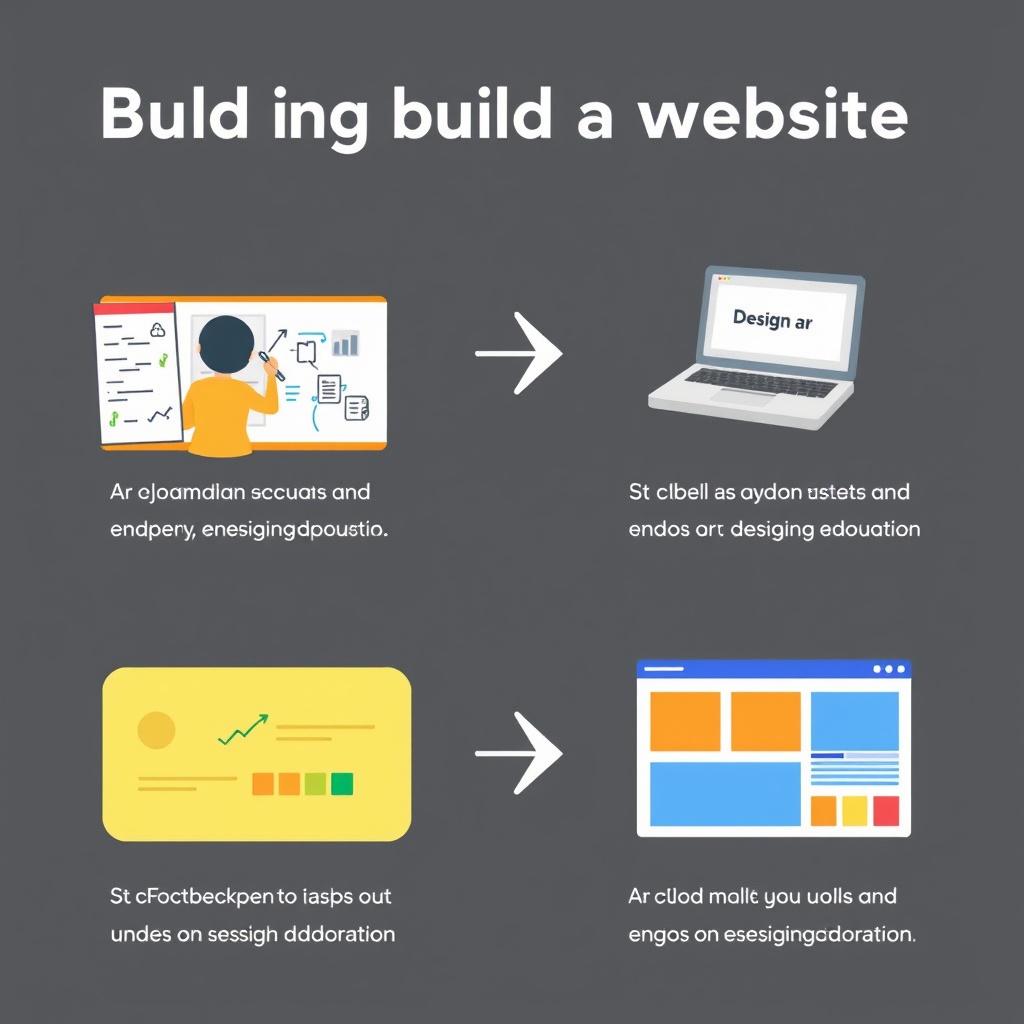
Step-by-Step Guide to Building Your First Website
Planning your website structure
Before diving into design, take time to plan your website’s structure. Start by outlining your goals. Are you creating a portfolio, blog, or online store? Next, map out the pages you’ll need, such as Home, About, and Contact. Sketching a sitemap helps visualise the flow and ensures a logical user experience. Tools like Bennetts Design’s guide can walk you through this process.
Consider your audience too. What information will they look for, and how can you make it easily accessible? A clear structure not only improves navigation but also boosts SEO. Keep it simple—too many pages can overwhelm visitors. Focus on quality over quantity.
Selecting a domain name and hosting
Your domain name is your website’s address, so choose wisely. It should be short, memorable, and relevant to your brand. Use tools like Namecheap or Google Domains to check availability. Once you’ve secured a domain, you’ll need hosting. Many platforms, like WordPress.com or Wix, include hosting in their plans, simplifying the process.
If you opt for a CMS like WordPress.org, you’ll need separate hosting. Providers like Bluehost or SiteGround offer beginner-friendly packages with one-click WordPress installation. Look for features like SSL certificates and customer support to ensure a smooth experience.
Designing your website layout
Design is where your website comes to life. Start by selecting a template that aligns with your brand. Most platforms offer a range of free and paid options. Customise colours, fonts, and images to create a cohesive look. Keep the layout clean and intuitive—clutter can deter visitors.
For inspiration, explore TechRadar’s list of top website builders. Pay attention to mobile responsiveness, as many users browse on phones. Test your design on different devices to ensure it looks great everywhere. Remember, a well-designed website reflects professionalism and builds trust with your audience.
Essential Tools and Resources for Beginners
Must-have tools for website building
When I started building my first website, I quickly realised the importance of having the right tools. A reliable text editor like Visual Studio Code or Sublime Text is indispensable for coding. For design, tools like Figma or Adobe XD help visualise layouts before implementation. Additionally, platforms like WordPress simplify the process for beginners, offering drag-and-drop functionality. These tools streamline the workflow, making the journey from concept to live site smoother.
Free resources to learn web design
Learning web design doesn’t have to be expensive. I found free courses on platforms like Codecademy and freeCodeCamp invaluable for mastering HTML and CSS. YouTube tutorials, such as the one below, offer step-by-step guidance. For structured learning, Webflow University provides comprehensive lessons on design principles. These resources empower beginners to build skills without financial barriers, fostering creativity and confidence.
Where to find templates and plugins
Templates and plugins can save time and enhance functionality. I often use WordPress themes from repositories like ThemeForest or the WordPress directory. For plugins, the official WordPress plugin library is a goldmine. Free templates on platforms like Bootstrap or HTML5 UP are perfect for customisation. These resources allow beginners to create professional-looking sites without starting from scratch.
Common Mistakes Beginners Make and How to Avoid Them
Overcomplicating the design
In my early days, I made the mistake of overcomplicating designs with too many elements. Simplicity is key—focus on clean layouts and intuitive navigation. Tools like golden rules of web design emphasise balance and hierarchy. Avoid cluttering pages; instead, prioritise user experience. A minimalist approach often yields the most effective results.
Ignoring mobile responsiveness
Mobile responsiveness is non-negotiable. I learned this the hard way when my site looked broken on smartphones. Always test designs on multiple devices using tools like BrowserStack. Frameworks like Bootstrap ensure responsiveness out of the box. Remember, a significant portion of users access sites via mobile, so prioritise their experience.
Neglecting website security
Security is often overlooked by beginners. I once neglected updates, leading to vulnerabilities. Regularly update plugins and use strong passwords. Services like Let’s Encrypt offer free SSL certificates. A secure site builds trust and protects both you and your visitors.
Advanced Design Techniques for a Professional Look
Using color schemes and typography effectively
Colour and typography define a site’s personality. I use tools like Coolors to create harmonious palettes. Pairing fonts—like a bold headline with a readable body font—enhances readability. Consistency is crucial; stick to a defined style guide. These elements elevate your design from amateur to polished.
Incorporating multimedia elements
Multimedia adds depth to your site. I integrate videos and images to engage visitors, ensuring they’re optimised for fast loading. Tools like Canva help create custom graphics. Balance is key—too much media can slow down your site. Use them strategically to complement your content.
Enhancing user experience with navigation
Intuitive navigation keeps users engaged. I structure menus logically, with clear labels and minimal clicks to key pages. Breadcrumbs and search bars improve usability. Test navigation with real users to identify pain points. A seamless experience encourages visitors to explore further.
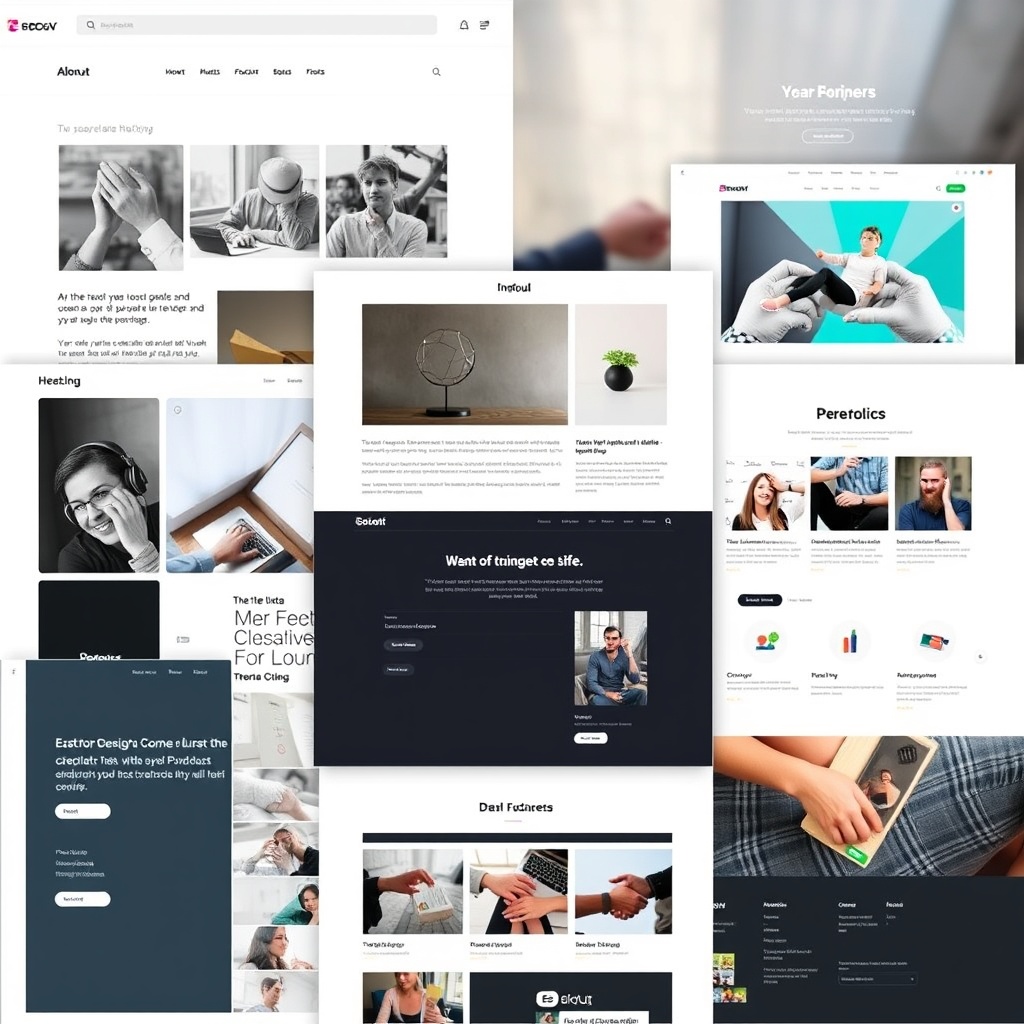
Real-World Examples of Beginner Websites
Personal blogs
Personal blogs are a great starting point. My first project was a travel blog, using WordPress for its ease of use. Platforms like Medium also offer simple setups. Focus on content and consistency—regular posts build an audience. A clean design lets your writing shine.
Small business websites
Small businesses benefit from an online presence. I helped a friend create a site using Wix, showcasing products and contact details. Highlight key information like hours and services. A simple, professional design builds credibility and attracts customers.
Portfolio sites
Portfolios showcase your work effectively. I built mine with Squarespace, emphasising visuals and minimal text. Use high-quality images and clear project descriptions. A well-designed portfolio can open doors to opportunities, making it a worthwhile investment.
Troubleshooting Common Website Issues
Fixing broken links and images
One of the most frustrating issues beginners face is broken links or missing images. These can disrupt user experience and harm your site’s credibility. I recommend using tools like SEO plugins to scan for broken links. Regularly updating your content and ensuring file paths are correct can prevent these problems. Broken links often occur after redesigns or migrations, so double-checking URLs is crucial.
Images failing to load can stem from incorrect file names or corrupted uploads. Always compress images before uploading and use descriptive alt text. If issues persist, clearing your cache or checking server permissions might help. A well-maintained media library ensures your visuals display correctly, enhancing your site’s professionalism.
Dealing with slow loading times
Slow-loading websites drive visitors away, so optimising speed is essential. Start by compressing images and enabling browser caching. Tools like Google PageSpeed Insights can pinpoint performance bottlenecks. Minimising plugins and using a content delivery network (CDN) also boosts speed. Hosting plays a significant role, so choose a provider with reliable uptime and fast servers.
Excessive scripts or unoptimised code can slow your site. Regularly audit your website’s performance and remove unnecessary elements. Mobile users, in particular, benefit from faster load times, so prioritise responsive design. A speedy site improves user satisfaction and search engine rankings, making it a priority for beginners.
Solving compatibility issues
Compatibility issues arise when your website doesn’t function correctly across browsers or devices. Testing on multiple platforms ensures consistency. I’ve found that using standard coding practices and avoiding browser-specific features reduces these problems. Tools like BrowserStack can simulate different environments, helping you identify and fix issues early.
Plugins and themes can also cause conflicts. Always update them to the latest versions and check for compatibility notes. If problems persist, consider switching to more reliable alternatives. A seamless experience across all devices and browsers is key to retaining visitors and building trust.
Best Practices for Website Maintenance
Regular updates and backups
Keeping your website updated is vital for security and performance. Regularly update your CMS, plugins, and themes to patch vulnerabilities. Automated backups save you from data loss during unforeseen events. I use tools like WordPress maintenance plugins to streamline this process. Backups should be stored offsite for added security.
Testing updates in a staging environment prevents disruptions to your live site. Schedule maintenance tasks to avoid last-minute rushes. A well-maintained website runs smoothly, reducing downtime and ensuring a positive user experience. Consistency in updates and backups is a habit every beginner should adopt.
Monitoring website performance
Monitoring tools like Google Analytics provide insights into your site’s performance. Track metrics like bounce rates and page load times to identify areas for improvement. Regularly reviewing these metrics helps you understand user behaviour and optimise accordingly. Performance dips often signal underlying issues that need addressing.
Server health is another critical aspect. Monitor resource usage and upgrade your hosting plan if necessary. A proactive approach to performance monitoring ensures your site remains fast and reliable. Beginners should prioritise this to build a strong foundation for their online presence.
Engaging with your audience
Engagement is the heart of a successful website. Respond to comments and feedback promptly to build a loyal community. Use newsletters or social media to keep your audience informed. Tools like social media integrations can enhance interaction. Active engagement fosters trust and encourages repeat visits.
Analysing user feedback helps you refine your content and design. Encourage visitors to share their opinions through surveys or polls. A responsive and engaged audience is a sign of a thriving website. Beginners should focus on building these relationships early.
Comparing DIY Website Building vs Hiring Professionals
Cost comparison
DIY website building is often cheaper upfront, with platforms like WordPress offering free themes. However, hidden costs like premium plugins or hosting upgrades can add up. Hiring professionals ensures a polished result but comes with higher initial expenses. I’ve found that beginners with tight budgets benefit from DIY options, while businesses may prefer professional services for scalability.
Long-term costs also vary. DIY sites require ongoing maintenance, which can be time-consuming. Professionals handle updates and security, saving you effort. Weighing immediate and future expenses helps you make an informed decision. Budget-conscious beginners should explore both options carefully.
Time investment
Building a website yourself demands significant time, especially when learning new skills. Professionals deliver faster results, allowing you to focus on other tasks. I recommend beginners allocate extra time for troubleshooting and revisions. Outsourcing design and development can accelerate your launch but may limit creative control.
Time management is crucial for DIY projects. Break tasks into manageable chunks and set realistic deadlines. Hiring professionals frees you to concentrate on content and marketing. Beginners should assess their availability and priorities before committing to either approach.
Quality and customisation options
DIY platforms offer templates, but customisation can be limited. Professionals create bespoke designs tailored to your brand. I’ve noticed that beginners often struggle with advanced features, while experts deliver seamless functionality. Unique designs stand out, but they come at a premium.
Balancing quality and affordability is key. DIY solutions work for simple sites, while complex projects benefit from professional input. Beginners should evaluate their needs and skills before deciding. A well-executed website, whether DIY or professional, reflects your brand’s identity.

Keeping Up with Website Trends and Updates
Latest web design trends
Staying current with design trends ensures your website remains relevant. Minimalism, dark mode, and micro-interactions are popular in 2025. I recommend exploring authoritative resources to stay informed. Trends evolve quickly, so adaptability is crucial. Incorporating modern elements enhances user engagement and visual appeal.
Accessibility and inclusivity are also trending. Designing for all users, including those with disabilities, is a priority. Beginners should focus on trends that align with their audience’s preferences. A forward-thinking approach keeps your website competitive and user-friendly.
Importance of SEO updates
SEO algorithms change frequently, impacting your site’s visibility. Regularly updating your content and metadata ensures compliance with the latest standards. I use tools like SEO plugins to stay on top of changes. Keyword research and backlink strategies remain essential for ranking.
Mobile-first indexing and voice search optimisation are now critical. Beginners should prioritise these updates to maintain search visibility. Staying informed about SEO trends helps you adapt your strategy. A well-optimised website attracts more organic traffic and grows your audience.
Adapting to new technologies
Emerging technologies like AI and VR are reshaping web design. Integrating chatbots or AR elements can enhance user experience. I’ve found that beginners benefit from experimenting with these tools gradually. Staying ahead of technological advancements keeps your website innovative and engaging.
Continuous learning is key. Follow industry blogs and attend webinars to stay updated. Beginners should embrace new technologies that align with their goals. A tech-savvy approach ensures your website remains cutting-edge and functional.
Implementing SEO Strategies for Your Website
Basics of SEO for beginners
SEO, or search engine optimisation, is the process of improving your website’s visibility on search engines like Google. As a beginner, understanding the basics is crucial. Start by ensuring your site is mobile-friendly and loads quickly. Use relevant keywords naturally in your content, and structure your pages with clear headings. These foundational steps set the stage for more advanced techniques.
Another key aspect is creating high-quality content that answers users’ questions. Search engines prioritise websites that provide value. Regularly updating your content and ensuring it’s original will help you rank higher. Remember, SEO is a long-term strategy, so patience and consistency are essential. For more insights, check out our guide on what SEO is.
Keyword research and content optimisation
Keyword research is the backbone of SEO. Tools like Google Keyword Planner can help you identify terms your audience is searching for. Once you have your keywords, integrate them into your content, titles, and meta descriptions. Avoid keyword stuffing—focus on creating natural, engaging content that incorporates these terms seamlessly.
Content optimisation goes beyond keywords. Ensure your articles are well-structured with subheadings, bullet points, and images. Internal linking, such as directing readers to our blog, also boosts SEO. Additionally, optimise your images by compressing them and adding alt text. These small tweaks can significantly improve your site’s performance.
Building backlinks
Backlinks, or links from other websites to yours, are a strong signal of credibility to search engines. Start by creating shareable content that others will want to link to. Guest blogging on reputable sites and engaging in industry forums can also help. Remember, quality matters more than quantity—focus on earning links from authoritative sources.
Another effective strategy is broken link building. Find broken links on relevant sites and suggest your content as a replacement. This not only helps you gain backlinks but also provides value to the site owner. For a deeper dive, explore our article on backlinks.
Monetizing Your Website as a Beginner
Advertising and affiliate marketing
Advertising is one of the simplest ways to monetise your website. Platforms like Google AdSense allow you to display ads and earn revenue based on clicks or impressions. Affiliate marketing, where you promote products and earn commissions, is another popular option. Choose products relevant to your audience to ensure higher conversion rates.
To succeed in affiliate marketing, focus on building trust with your readers. Write honest reviews and provide genuine recommendations. Tools like Amazon Associates or ShareASale can help you get started. For more tips, visit our e-commerce guide.
Selling products or services
If you have a skill or product to sell, your website can serve as a platform. Whether it’s handmade crafts, digital downloads, or consulting services, e-commerce tools like WooCommerce or Shopify make it easy to set up an online store. Ensure your product pages are optimised for SEO to attract organic traffic.
Pricing your products competitively and offering excellent customer service are key to success. Consider adding a blog to drive traffic and showcase your expertise. For inspiration, check out this SEO starter guide to optimise your store.
Membership and subscription models
Membership sites offer exclusive content or services for a recurring fee. This model works well for niches like fitness, education, or professional advice. Platforms like MemberPress or Patreon simplify the process of managing subscriptions and delivering content.
To attract subscribers, provide a free trial or sample content. Highlight the value of your offerings and engage with your community regularly. This builds loyalty and encourages long-term subscriptions. For more strategies, explore our website design guide.
Expanding Your Website Beyond the Basics
Adding advanced features
Once your website is established, consider adding advanced features like chatbots, forums, or interactive tools. These enhance user experience and keep visitors engaged. Plugins and APIs make it easy to integrate these features without coding knowledge.
For example, a chatbot can provide instant customer support, while a forum fosters community interaction. Test new features with a small audience before rolling them out widely. This ensures they work seamlessly and add value to your site.
Scaling your website for growth
As your audience grows, your website must handle increased traffic. Upgrade your hosting plan to a VPS or dedicated server for better performance. Optimise your database and use caching plugins to speed up load times.
Regularly monitor your site’s analytics to identify bottlenecks. Tools like Google Analytics provide insights into user behaviour and traffic sources. Scaling proactively ensures your site remains fast and reliable as it grows.
Learning from analytics and feedback
Analytics tools reveal what’s working and what’s not. Track metrics like bounce rate, session duration, and conversion rates to refine your strategy. User feedback, through surveys or comments, provides qualitative insights.
Use this data to make informed decisions. For instance, if a page has a high bounce rate, consider improving its content or design. Continuous learning and adaptation are key to long-term success.
Frequently Asked Questions
How long does it take to see results from SEO?
SEO is a long-term strategy, and results can take several months to appear. Factors like competition, keyword difficulty, and content quality influence the timeline. Consistency and patience are essential for success.
What’s the best platform for beginners to build a website?
Website builders like Wix or Squarespace are ideal for beginners due to their ease of use. For more flexibility, WordPress is a popular choice. Our WordPress guide explains its benefits in detail.
Can I monetise my website without a large audience?
Yes, even small audiences can generate revenue through affiliate marketing or selling niche products. Focus on building trust and providing value to your readers to maximise earnings.
How often should I update my website’s content?
Regular updates, such as weekly blog posts or monthly refreshes of existing content, keep your site relevant. Search engines favour websites that consistently provide fresh, valuable information.
