
Understanding WordPress An Overview
What is WordPress
WordPress is a powerful content management system (CMS) that powers over 40% of websites globally. It’s renowned for its flexibility, ease of use, and extensive customisation options. Whether you’re a blogger, small business owner, or developer, WordPress offers tools to create a professional online presence. Its open-source nature means anyone can modify and distribute its code, making it a favourite among creators.
One of the reasons WordPress stands out is its vast ecosystem of themes and plugins. These allow users to tailor their sites without needing advanced coding skills. From WordPress website design services to DIY setups, the platform caters to all levels of expertise. Its adaptability makes it ideal for everything from personal blogs to e-commerce stores.
The History and Evolution of WordPress
WordPress began in 2003 as a simple blogging tool, created by Matt Mullenweg and Mike Little. Over the years, it evolved into a full-fledged CMS, thanks to contributions from a global community. Each update introduced new features, from the Gutenberg editor to improved security measures, ensuring it stays relevant in a competitive digital landscape.
The platform’s growth reflects its commitment to accessibility and innovation. Today, WordPress is more than just a tool—it’s a movement. Whether you’re exploring what makes WordPress so popular or building your first site, its rich history underscores its reliability and potential.
WordPress.org vs WordPress.com Key Differences
WordPress.org and WordPress.com are often confused, but they serve distinct purposes. WordPress.org provides the open-source software you can download and install on your own hosting. It offers complete control but requires technical know-how for setup and maintenance. This is the choice for those who want full ownership and customisation.
WordPress.com, on the other hand, is a hosted solution. It handles technical aspects like updates and security, but with limitations on customisation unless you upgrade to a paid plan. The trade-off between convenience and control is key when deciding which version suits your needs.
The Cost Structure of WordPress
Is WordPress Really Free
When I first explored WordPress, I was thrilled by its promise of being free. However, the reality is more nuanced. While the core software of WordPress.org is free, running a functional website often involves additional costs. From domain names to hosting services, these expenses can add up. It’s essential to understand that “free” here refers to the software itself, not the entire ecosystem required to build and maintain a site.
We often overlook hidden costs like premium themes, plugins, and security measures. These elements enhance functionality but come at a price. For instance, a free theme might lack customisation options, pushing you towards paid alternatives. Similarly, essential plugins for SEO or backups often have premium versions. Understanding these nuances helps you budget effectively and avoid surprises down the line.
Understanding the Hidden Costs of Using WordPress
One of the first hidden costs I encountered was web hosting. While WordPress.org is free, you need a hosting provider to make your site accessible. Shared hosting is affordable, but as your site grows, you might need VPS or dedicated hosting, which costs more. Additionally, domain registration is an annual expense, and premium domains can be pricey. These are unavoidable if you want a professional online presence.
Another overlooked expense is time. Customising a WordPress site to your needs can be time-consuming, especially if you’re not tech-savvy. Hiring a developer or designer might seem costly, but it can save hours of frustration. Plugins and themes also require updates and maintenance, which, if neglected, can lead to security vulnerabilities. Investing in these areas ensures your site remains functional and secure.
WordPress.org The Free Open-Source Software
How to Download and Install WordPress.org
Downloading WordPress.org is straightforward. I visited the official website and clicked the download button, which gave me a zip file containing the core software. Next, I uploaded this to my hosting server using an FTP client like FileZilla. The installation process was guided by the famous “5-minute install where I entered my database details and configured basic settings. It’s a hassle-free process, even for beginners.
For those who prefer simplicity, many hosting providers offer one-click WordPress installations. This eliminates the need for manual uploads and database setup. Once installed, the WordPress dashboard becomes your control centre. From here, you can start customising your site with themes and plugins. The freedom to tweak every aspect of your site is what makes WordPress.org a favourite among developers and designers.
The Benefits of Using WordPress.org
The biggest advantage of WordPress.org is its flexibility. Unlike hosted solutions, you have full control over your site’s design and functionality. I could install any theme or plugin, whether free or premium, to achieve the look and features I wanted. This level of customisation is unmatched, making it ideal for businesses and creatives who need a unique online presence.
Another benefit is the vast community support. Whenever I faced an issue, forums, tutorials, and documentation were readily available. The open-source nature of WordPress.org means continuous improvements and updates. Plus, since you own your data, there are no restrictions on monetisation. Whether you’re running a blog, an e-commerce store, or a portfolio, WordPress.org adapts to your needs seamlessly.
WordPress.com The Hosted Solution
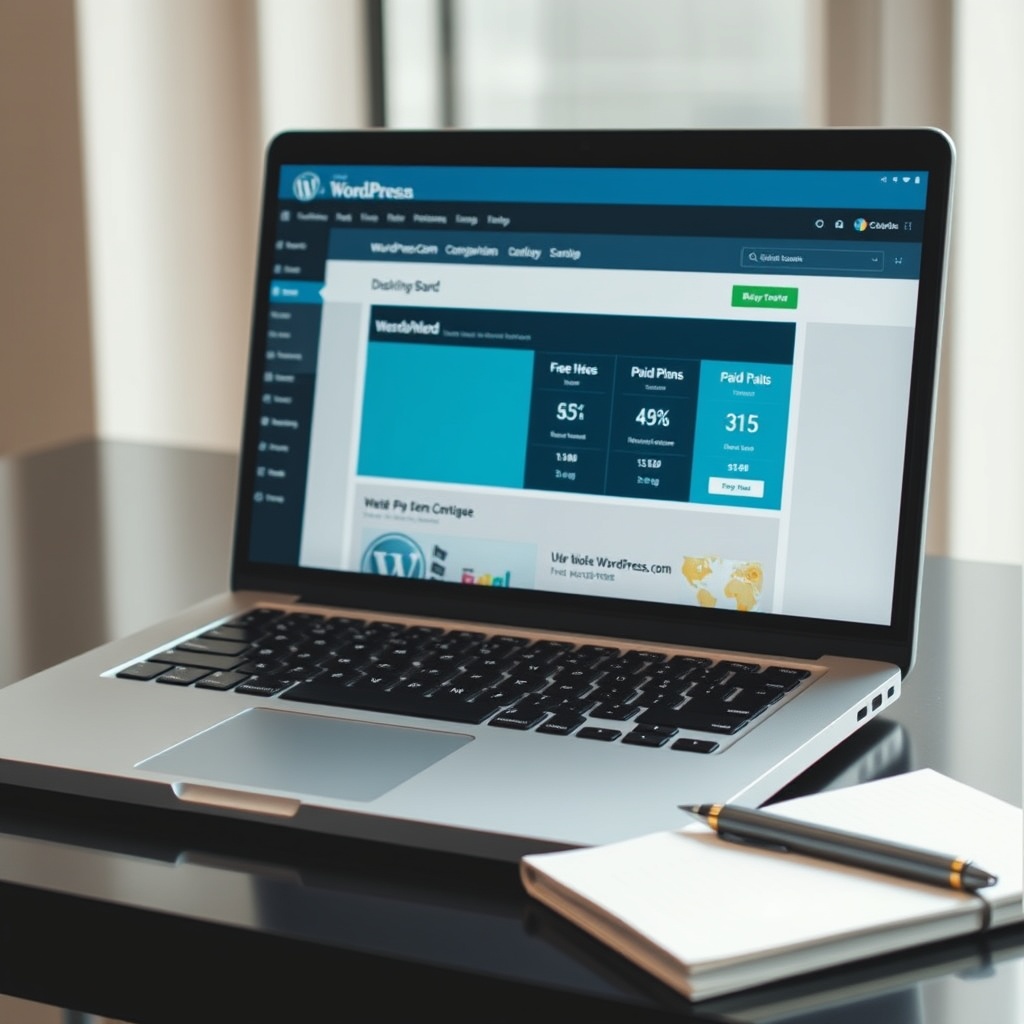
Free vs Paid Plans on WordPress.com
WordPress.com offers a free plan, but it comes with limitations. My free site had a WordPress.com subdomain, which didn’t look professional. Ads were displayed unless I upgraded, and customisation options were restricted. The free plan is great for hobbyists, but businesses should consider paid plans for a polished look. Paid plans remove ads, allow custom domains, and offer more storage and design flexibility.
The premium plans also unlock advanced features like SEO tools and Google Analytics integration. For instance, the Business plan includes plugins and themes, similar to WordPress.org. However, the cost can escalate quickly, especially if you need e-commerce functionality. It’s a trade-off between convenience and control. While WordPress.com handles maintenance, you sacrifice some creative freedom compared to WordPress.org.
Limitations of the Free WordPress.com Plan
The free plan’s most glaring limitation is the lack of a custom domain. Your site URL includes “wordpress.com which can deter potential visitors or clients. Additionally, you can’t install third-party plugins or themes, limiting functionality. Monetisation options are also restricted; you can’t run ads or sell products unless you upgrade. These constraints make the free plan unsuitable for serious projects.
Storage is another issue. Free users get only 3GB, which fills up quickly with images and videos. If you exceed this, you must upgrade or delete content. Lastly, customer support is minimal for free users. While the community forums are helpful, they’re no substitute for direct assistance. For anyone serious about their online presence, investing in a paid plan or switching to WordPress.org is often the better choice.
Essential Costs When Using WordPress
Domain Name Registration Fees
When setting up a WordPress site, one of the first costs you’ll encounter is domain name registration. A domain name is your website’s address, and while some hosting providers offer a free domain for the first year, you’ll typically pay an annual fee. Prices vary depending on the extension (.com, .uk, etc.), but expect to budget around £10-£20 per year. It’s a small price for a professional online presence.
Choosing the right domain name is crucial—it reflects your brand and helps with SEO. Some registrars offer discounts for multi-year purchases, which can save you money in the long run. Remember, a domain is an investment in your site’s identity, so it’s worth getting it right from the start.
Web Hosting Services and Costs
Web hosting is another essential expense. While WordPress.org is free, you’ll need a hosting provider to make your site accessible online. Shared hosting plans start at around £3-£10 per month, offering a balance of affordability and performance. For larger sites, consider VPS or dedicated hosting, which can cost £20-£100+ monthly. The right plan depends on your traffic and technical needs.
Hosting quality impacts your site’s speed, uptime, and security. Cheap options may save money upfront but can lead to slower load times and downtime. Investing in reliable hosting ensures a smooth experience for visitors and better website performance.
Premium Themes and Plugins
While WordPress offers thousands of free themes and plugins, premium options provide advanced features and support. Premium themes range from £30-£100, offering customisable designs and better security. Plugins like WooCommerce or Yoast SEO may require annual licenses, adding to your costs. These tools enhance functionality but should be chosen based on your site’s specific needs.
Free alternatives exist, but premium themes and plugins often come with regular updates and dedicated support. If you’re serious about your site’s growth, these investments can pay off in the long term. Just be sure to prioritise essentials and avoid unnecessary purchases.
How to Minimize Costs on WordPress
Finding Free Themes and Plugins
WordPress’s extensive library of free themes and plugins is a goldmine for budget-conscious users. The official directory offers thousands of options, from design templates to SEO tools. While free themes may lack advanced features, they’re perfect for beginners or simple sites. Plugins like Jetpack or Contact Form 7 provide robust functionality without costing a penny.
However, not all free tools are created equal. Always check reviews, update frequency, and compatibility before installing. Some free plugins may upsell premium features, so read the fine print. With careful selection, you can build a fully functional site without spending a dime.
Utilizing Free Hosting Options
If you’re testing the waters, free hosting options like WordPress.com’s basic plan can be a starting point. While limited in features and branding, it’s a no-cost way to learn the platform. For more control, consider local hosting tools like XAMPP, which let you build and test sites offline before going live.
Free hosting has its drawbacks—limited storage, ads, and subdomains—but it’s a viable option for hobbyists or temporary projects. Once you’re ready to scale, transitioning to paid hosting ensures better performance and professionalism.
DIY vs Hiring a Developer
One of the biggest cost-saving strategies is doing it yourself. WordPress’s user-friendly interface makes it accessible even for beginners. Resources like tutorials, forums, and beginner guides can help you navigate the process. DIY not only saves money but also gives you full control over your site.
That said, complex projects may require a developer’s expertise. Hiring a professional can be costly, but it ensures a polished result. Weigh the trade-offs: if your site is mission-critical, investing in a developer might be worth it. Otherwise, embrace the DIY approach and learn as you go.
The Value of Investing in WordPress
Why Pay for WordPress?
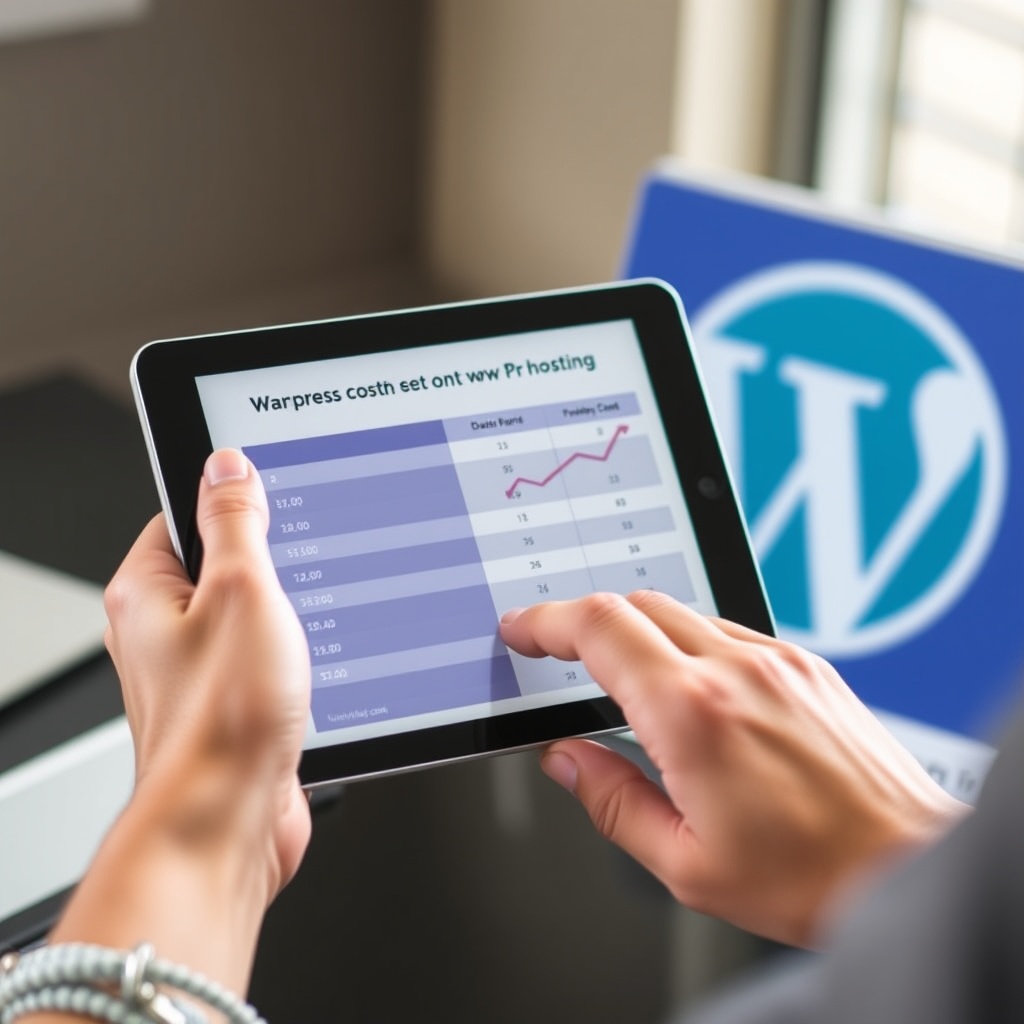
While WordPress is free, investing in premium features can elevate your site. Paid themes offer unique designs, faster load times, and better security. Premium plugins add advanced functionality, like e-commerce or membership systems. These tools streamline your workflow and enhance user experience, making them worthwhile for serious site owners.
Investing also means better support. Free tools rely on community forums, while premium options often include dedicated help. If your site is a business or personal brand, these benefits justify the costs. Think of it as building a solid foundation for long-term success.
Long-Term Benefits of Premium WordPress Features
Premium features pay dividends over time. A faster, more secure site improves SEO and user retention. Regular updates ensure compatibility with the latest WordPress versions, reducing the risk of bugs or security breaches. Customisation options let you tailor your site to your audience, fostering engagement and loyalty.
Ultimately, the value of premium features lies in their ability to grow with your site. While free tools work for starters, scaling up often requires paid solutions. It’s about balancing cost and quality to achieve your goals.
Comparing WordPress to Other Website Builders
WordPress vs Wix Cost and Flexibility
WordPress and Wix cater to different needs. Wix’s all-in-one pricing starts at £8/month, including hosting and templates. It’s user-friendly but lacks WordPress’s flexibility. WordPress, while requiring separate hosting, offers unparalleled customisation through themes and plugins. The initial setup may cost more, but the long-term scalability is unmatched.
For businesses or creators needing full control, WordPress is the better investment. Wix suits those who prioritise ease over flexibility. Consider your technical comfort and growth plans when choosing.
WordPress vs Squarespace Ease of Use vs Customization
Squarespace is known for its sleek designs and simplicity, with plans starting at £12/month. It’s ideal for creatives who want a polished site without technical hassle. WordPress, however, excels in customisation. With thousands of themes and plugins, you can build almost anything—but it requires more effort.
If design is your priority and you’re willing to trade some flexibility for ease, Squarespace is a strong contender. For those who crave control and scalability, WordPress is the clear winner. The choice depends on your priorities and willingness to learn.
Setting Up a WordPress Site for Free
Step-by-Step Guide to a Free WordPress Site
Setting up a free WordPress site is simpler than you might think. Start by visiting WordPress.com and signing up for a free plan. You’ll need to choose a domain name, which will include “.wordpress.com” unless you opt for a paid upgrade. Once registered, you can select a free theme from the extensive library and begin customising your site’s layout and design. The intuitive interface makes it easy to add pages, posts, and even basic plugins.
While the free plan has limitations, it’s perfect for beginners or those testing the waters. You can always upgrade later if your needs grow. For a more flexible option, consider WordPress.org, which allows for greater customisation but requires hosting. Either way, the free route is a fantastic starting point for anyone looking to establish an online presence without upfront costs.
What You Can Achieve with a Free WordPress Site
A free WordPress site is ideal for personal blogs, portfolios, or small business showcases. You can publish content, share images, and even integrate basic social media tools. The free themes offer enough variety to create a professional-looking site, though premium themes provide more advanced features. If you’re willing to invest time, you can achieve a lot with the free plan, especially if you’re resourceful with free plugins.
However, if you’re aiming for e-commerce or advanced functionality, the free plan may fall short. Monetisation options are limited, and you won’t have access to premium plugins or custom domains. Still, for hobbyists or those on a tight budget, a free WordPress site is a powerful tool to get started and learn the platform’s basics before committing financially.
Advanced Customisation Without Breaking the Bank
Free Tools for Customising Your WordPress Site
You don’t need a hefty budget to personalise your WordPress site. Free tools like the WordPress Customiser allow you to tweak colours, fonts, and layouts without touching code. Plugins such as Elementor or Gutenberg offer drag-and-drop functionality, making it easy to design visually appealing pages. Additionally, free themes often come with built-in customisation options, letting you create a unique look without spending a penny.
For those willing to explore, the WordPress community offers countless tutorials and forums where you can learn to customise further. Websites like WordPress for Beginners provide step-by-step guides to help you make the most of free resources. While premium tools offer more features, the free alternatives are more than capable of helping you build a polished, functional site.
Learning Resources for WordPress Customisation
Mastering WordPress customisation is easier with the wealth of free learning resources available. YouTube channels, blogs, and official WordPress documentation are excellent starting points. Many experienced users share tips and tricks for getting the most out of free themes and plugins. The WordPress community is also incredibly supportive, offering advice and solutions to common challenges.
If you’re serious about learning, consider joining online forums or attending free webinars. These resources can help you understand advanced techniques like CSS tweaks or plugin development. While paid courses exist, the free options are plentiful and often just as effective for beginners. With dedication, you can transform your site into something truly unique without spending a dime.
The Role of Plugins in WordPress Costs
Must-Have Free Plugins for Your WordPress Site
Plugins are the backbone of WordPress functionality, and many essential ones are free. Yoast SEO helps optimise your content for search engines, while Akismet protects against spam. Jetpack offers a suite of tools, from site stats to security features. These plugins provide critical functionality without adding to your costs, making them invaluable for any WordPress user.
Other free plugins, like Contact Form 7 or WP Super Cache, enhance user experience and site performance. While premium plugins offer advanced features, the free versions often suffice for basic needs. By carefully selecting plugins, you can build a robust site without incurring additional expenses. Just remember to keep them updated to ensure compatibility and security.
When to Consider Premium Plugins
While free plugins cover many needs, there are times when premium options are worth the investment. If you’re running an e-commerce site, WooCommerce extensions can streamline operations. Premium security plugins like Sucuri offer advanced protection, crucial for high-traffic sites. The key is to assess your specific requirements and weigh the benefits against the cost.
Premium plugins often come with dedicated support and regular updates, reducing the risk of compatibility issues. If your site’s success hinges on specific functionalities, investing in premium plugins can save time and hassle in the long run. However, for smaller projects or personal blogs, free plugins usually provide more than enough features to get the job done.

Security Considerations for Free WordPress Sites
Free Security Plugins and Their Effectiveness
Security is a top priority, even for free WordPress sites. Plugins like Wordfence and All In One WP Security & Firewall offer robust protection at no cost. These tools monitor for malware, block suspicious activity, and enforce strong passwords. While they may lack some advanced features of premium options, they provide a solid foundation for keeping your site safe.
Regular updates and backups are equally important. Many free plugins, like UpdraftPlus, automate backups, ensuring you can recover quickly from any issues. Combining these tools with basic security practices, such as using strong passwords and limiting login attempts, can significantly reduce vulnerabilities. For most small sites, free security plugins are more than adequate.
The Cost of Neglecting WordPress Security
Ignoring security can lead to devastating consequences, from data breaches to site takeovers. Hackers often target vulnerable WordPress sites, especially those using outdated plugins or weak passwords. The financial and reputational damage can far outweigh the cost of investing in security measures. Even if you’re on a tight budget, free plugins and best practices can mitigate most risks.
For those handling sensitive data or running a business, upgrading to premium security solutions may be necessary. However, for personal blogs or hobby sites, free tools and vigilance can go a long way. The key is to stay proactive—regularly update your site, monitor for threats, and educate yourself on WordPress security best practices to keep your site safe.
Scaling Your WordPress Site When Free Isn’t Enough
Signs You Need to Upgrade Your WordPress Plan
When your WordPress site starts growing, you might notice performance issues like slow loading times or frequent crashes. These are clear signs that your current free plan isn’t cutting it. Increased traffic demands better hosting, and free plans often lack the resources to handle spikes. If you’re serious about your site’s future, upgrading to a paid hosting plan is a smart move. Another red flag is limited functionality. Free plans restrict plugins and themes, hindering your site’s potential. If you find yourself constantly battling these limitations, it’s time to invest in a plan that offers more flexibility. Remember, a small investment now can save you from bigger headaches later.
Strategies for Scaling Your WordPress Site Efficiently
Scaling your WordPress site doesn’t have to break the bank. Start by optimising your existing resources—clean up unused plugins, compress images, and use caching tools. These steps can significantly improve performance without additional costs. For more advanced scaling, consider cloud hosting, which offers scalability and reliability. Another strategy is to prioritise content delivery networks (CDNs) to distribute your site’s load globally. Pair this with a robust security plan to protect your growing site. By planning ahead and leveraging the right tools, you can scale efficiently while keeping costs manageable.
Community and Support for WordPress Users
Leveraging the WordPress Community for Free Help
The WordPress community is a goldmine of free resources. From forums to tutorials, you’ll find answers to almost any question. Engaging with this community can help you troubleshoot issues and learn new skills. Websites like Bennetts Design’s blog often share valuable tips and updates. Don’t underestimate the power of local meetups or online groups. These platforms allow you to connect with experienced users who can offer guidance. Whether you’re a beginner or a pro, the community is always there to support you.
When to Seek Paid Support
While the community is helpful, some issues require professional expertise. If you’re dealing with complex customisations or security breaches, hiring a developer is wise. Paid support ensures your site runs smoothly and securely. Platforms like Bennetts Design’s maintenance services offer tailored solutions for your needs. Investing in paid support can also save time. Instead of spending hours troubleshooting, you can focus on growing your site. It’s a small price for peace of mind and professional results.
Future-Proofing Your WordPress Site
Keeping Your WordPress Site Updated Without Cost
Regular updates are crucial for security and performance. Fortunately, WordPress makes it easy to update core software, themes, and plugins for free. Enable automatic updates where possible to stay protected. For more control, manually review updates to ensure compatibility with your site. Backups are another free way to future-proof your site. Use plugins like UpdraftPlus to schedule automatic backups. This ensures you can restore your site quickly if anything goes wrong.
Planning for Future WordPress Expenses
As your site grows, so will your expenses. Budget for essentials like premium plugins, themes, and hosting upgrades. Research costs upfront to avoid surprises. Tools like Bennetts Design’s cost guide can help you plan effectively. Consider setting aside a monthly budget for maintenance and improvements. This proactive approach ensures your site remains competitive and functional in the long run.
Frequently Asked Questions
How do I know if my WordPress site needs upgrading?
If your site experiences slow loading times, crashes, or functionality restrictions, it’s likely time to upgrade. These issues indicate your current plan can’t handle your site’s growth. Investing in a better hosting plan or premium features can resolve these problems.
What are the best free tools for scaling a WordPress site?
Free tools like caching plugins (WP Super Cache) and image optimisers (Smush) can improve performance. CDNs like Cloudflare also offer free plans to distribute traffic. These tools help scale your site without immediate costs.
When should I hire a professional for my WordPress site?
Hire a professional for complex tasks like custom coding, security breaches, or major redesigns. If you lack the time or expertise, paid support ensures quality results. It’s a worthwhile investment for critical issues.
How can I keep my WordPress site secure without spending money?
Use free security plugins like Wordfence and enable automatic updates. Regularly back up your site and use strong passwords. These steps provide robust protection without additional costs.
