
Introduction
When I first started using WordPress, I wondered if a theme was truly necessary. After all, isn’t the platform flexible enough to build a site from scratch? The short answer is yes, but themes offer a foundation that saves time and enhances functionality. Whether you’re a beginner or a seasoned developer, understanding the role of themes is crucial for creating a professional, user-friendly website.
Key Takeaways
- A WordPress theme defines your site’s design, layout, and functionality.
- Choosing the right theme impacts user experience, performance, and SEO.
- Free and premium themes cater to different needs and budgets.
- Customisation options allow you to tailor a theme to your brand.
- Regular updates ensure your theme remains secure and compatible.
Understanding WordPress Themes
What is a WordPress Theme?
A WordPress theme is a collection of files that dictate your website’s appearance and layout. It includes templates, stylesheets, and scripts to create a cohesive design. Without a theme, your site would lack structure and visual appeal. Themes simplify the design process, allowing you to focus on content rather than coding from scratch.
The Role of Themes in WordPress
Themes play a pivotal role in shaping your site’s identity. They determine everything from typography to colour schemes, ensuring consistency across pages. A well-chosen theme also enhances usability, making navigation intuitive for visitors. For instance, WordPress’s popularity stems partly from its vast library of themes catering to diverse industries.
Differences Between Themes and Templates
While themes govern the overall design, templates are individual page layouts within a theme. Templates define how specific content types, like blog posts or contact pages, are displayed. Understanding this distinction helps you leverage both tools effectively. For example, a WordPress design service can customise templates to match your brand’s unique requirements.
The Importance of Choosing the Right Theme
Impact on User Experience
When I first started building websites, I underestimated how much a theme could shape user experience. A well-designed theme ensures visitors can navigate your site effortlessly, with intuitive layouts and clear calls to action. Poorly chosen themes, on the other hand, can frustrate users with cluttered designs or slow load times. We’ve all left a site because it felt unwelcoming—don’t let yours be one of them. Investing time in selecting the right theme pays off in engagement and retention.
Beyond aesthetics, a theme’s functionality directly affects how users interact with your content. Features like responsive design and accessibility options make your site usable across devices and for all audiences. Our guide to responsive design delves deeper into why this matters. Remember, a theme isn’t just about looks; it’s about creating a seamless experience for everyone who visits your site.
Influence on Website Performance
Performance is another critical factor often overlooked when choosing a theme. Bloated themes packed with unnecessary features can slow your site to a crawl, driving visitors away before they even see your content. I’ve learned the hard way that a lightweight, optimised theme can make all the difference in page load times. Tools like Google PageSpeed Insights help identify performance bottlenecks, but starting with a lean theme sets you up for success.
Performance isn’t just about speed—it’s about reliability. A poorly coded theme can cause errors or break functionality, leaving your site unusable. Our SEO optimisation guide highlights how performance impacts search rankings. Choosing a theme built with clean code and regular updates ensures your site runs smoothly and stays competitive.
SEO Implications of Theme Selection
Did you know your theme can make or break your SEO efforts? Search engines favour sites with clean, semantic code and fast load times—qualities often dictated by your theme. A theme with built-in SEO features, like schema markup or optimised headings, gives you a head start. Conversely, themes laden with excessive scripts or poorly structured content can hinder your rankings.
Beyond technical SEO, a theme’s design affects how easily search engines crawl and index your site. For example, a cluttered layout might bury important content, while a well-organised one highlights it. Our SEO basics guide explains these principles in detail. Remember, a theme isn’t just a design choice; it’s a foundational element of your SEO strategy.
Types of WordPress Themes
Free vs Premium Themes
When I first explored WordPress themes, the allure of free options was undeniable. They’re cost-effective and often sufficient for basic sites. However, premium themes offer advanced features, regular updates, and dedicated support—worth the investment for growing businesses. Free themes can lack customisation options or come with hidden costs, like paid plugins to unlock functionality. Weighing the pros and cons helps you decide what’s best for your needs.
Premium themes also tend to be more secure, with fewer vulnerabilities than their free counterparts. If you’re serious about your site’s longevity, investing in a premium theme is a smart move. Our WordPress benefits guide explores why quality matters. Whether free or premium, always choose a theme from a reputable source to avoid security risks.
Niche-Specific Themes
Niche-specific themes are tailored to particular industries, like e-commerce or blogging, offering features designed for those needs. For example, a restaurant theme might include menu layouts and reservation systems. These themes save time by providing built-in functionality, but they can be restrictive if your needs evolve. I’ve found them ideal for projects with clear, unchanging requirements.
However, niche themes aren’t always necessary. Multipurpose themes with flexible designs can adapt to various industries, offering more versatility. Consider your long-term goals before committing to a niche theme. If flexibility is a priority, a multipurpose theme might be the better choice.
Multipurpose Themes
Multipurpose themes are the Swiss Army knives of WordPress—versatile but sometimes overwhelming. They come packed with features and customisation options, making them suitable for almost any project. While this flexibility is appealing, it can also lead to bloat if you don’t need all the bells and whistles. I recommend them for users who want a single theme to handle multiple sites or evolving needs.
The key is finding a balance between flexibility and performance. Look for multipurpose themes with modular designs, allowing you to enable only what you need. This approach keeps your site lean while retaining the option to scale. Always test a demo before committing to ensure it meets your requirements.
How to Select a WordPress Theme
Identifying Your Website Needs
Before diving into theme options, take time to define your site’s purpose and audience. Are you building a portfolio, blog, or e-commerce store? Each has unique requirements, from layout to functionality. I’ve found that starting with a clear vision prevents overwhelm and ensures you choose a theme aligned with your goals. List must-have features, like contact forms or galleries, to narrow your search.
Consider future growth, too. A theme that works for a small blog might not scale for a growing business. Our web design guide offers tips for planning ahead. By identifying your needs upfront, you’ll avoid costly redesigns down the line.
Evaluating Theme Features
Once you’ve outlined your needs, evaluate themes based on features and compatibility. Look for responsive designs, SEO-friendly code, and plugin support. Demo versions let you test usability and customisation options—don’t skip this step. I’ve learned that a theme’s demo often reveals quirks not apparent in screenshots. Pay attention to ease of use; a beautiful theme is worthless if it’s too complex to manage.
Also, check reviews and update frequency. A theme with regular updates and positive feedback is more likely to be reliable. Avoid themes with outdated documentation or lacklustre support. Investing time in research now saves headaches later.
Checking Theme Compatibility and Support
Compatibility is crucial—your theme must work seamlessly with your plugins, hosting, and WordPress version. Incompatible themes can cause errors or break functionality. I always test themes in a staging environment before going live. Look for themes with clear documentation and active support forums. If something goes wrong, you’ll want help readily available.
Support quality varies widely. Premium themes often offer dedicated support, while free themes rely on community forums. For critical projects, prioritise themes with robust support options. A little due diligence ensures your theme choice supports your site’s success.
Installing a WordPress Theme
Step-by-Step Installation Guide
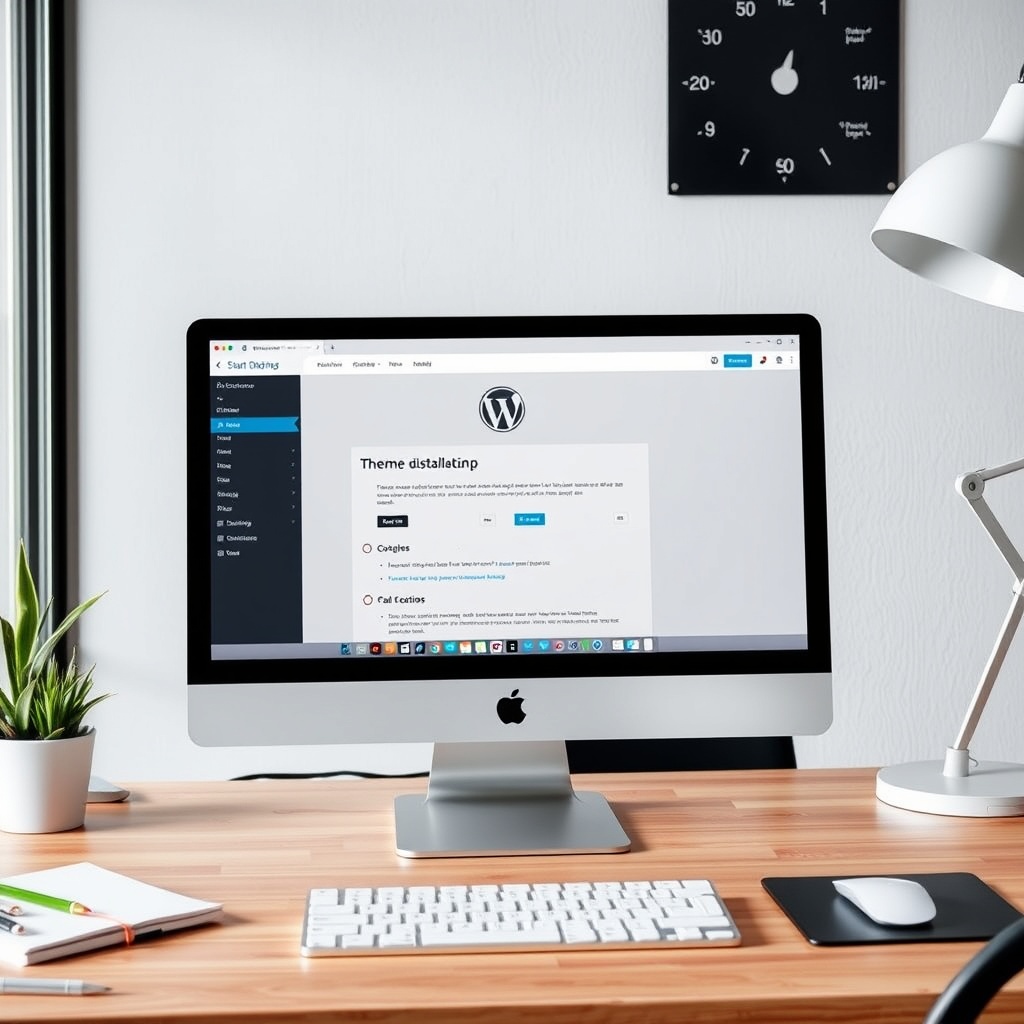
Installing a WordPress theme is straightforward, whether you choose a free or premium option. Navigate to the “Appearance” section in your WordPress dashboard and click “Themes.” From there, you can upload a theme file or browse the WordPress repository. Once uploaded, click “Activate” to apply the theme. For premium themes, ensure you follow the provider’s instructions for licensing and updates.
If you’re using a theme from the WordPress repository, the process is even simpler. Search for the theme by name, click “Install and then “Activate.” Always back up your site before making changes to avoid potential issues. This ensures you can restore your site if something goes wrong during installation.
Common Installation Issues and Solutions
Occasionally, you might encounter issues like the theme not appearing after upload or activation errors. These problems often stem from file size limits, incorrect file formats, or server permissions. Check your server’s PHP settings and ensure the theme file is in a .zip format. If the theme still won’t install, consider using FTP to upload the files directly to your server.
Another common issue is compatibility with your WordPress version. Always verify that the theme supports your current WordPress version. If you’re unsure, consult the theme documentation or contact the developer for assistance. Keeping your WordPress core updated can also prevent many installation problems.
Customizing Your WordPress Theme
Using the WordPress Customizer
The WordPress Customizer is a powerful tool for making real-time changes to your theme. Access it via the “Appearance” menu and explore options like colours, fonts, and layout settings. The Customizer allows you to preview changes before applying them, ensuring your site looks exactly how you want. It’s ideal for beginners who want to tweak their site without diving into code.
For more advanced users, the Customizer also supports custom CSS. This lets you override default styles without modifying the theme files directly. Remember, changes made here are tied to your theme, so switching themes will reset these customisations. Always document your changes if you plan to switch themes later.
Advanced Customization Techniques
If you need deeper customisations, consider editing the theme files directly. This requires knowledge of HTML, CSS, and PHP. Use a child theme to preserve your changes during updates. A child theme inherits the parent theme’s functionality while allowing you to modify specific files. This is crucial for maintaining your customisations without breaking the theme during updates.
Plugins like Elementor or Beaver Builder can also enhance your customisation options. These drag-and-drop builders let you design pages without coding. However, they can add bloat to your site, so use them judiciously. Always test your site’s performance after adding new plugins.
Child Themes What They Are and Why Use Them
A child theme is a separate theme that depends on a parent theme for its core functionality. It’s essential for making permanent customisations without losing them during updates. Creating a child theme involves setting up a new directory with a style.css file and optionally a functions.php file. The child theme’s files override the parent’s, allowing you to tweak layouts, styles, and more.
Using a child theme also ensures your site remains secure. Parent themes receive updates for security and performance, but your customisations stay intact. This is especially important for business websites that rely on consistent branding and functionality. Always test your child theme on a staging site before deploying it live.
Theme Performance Optimization
Speed Optimization Techniques
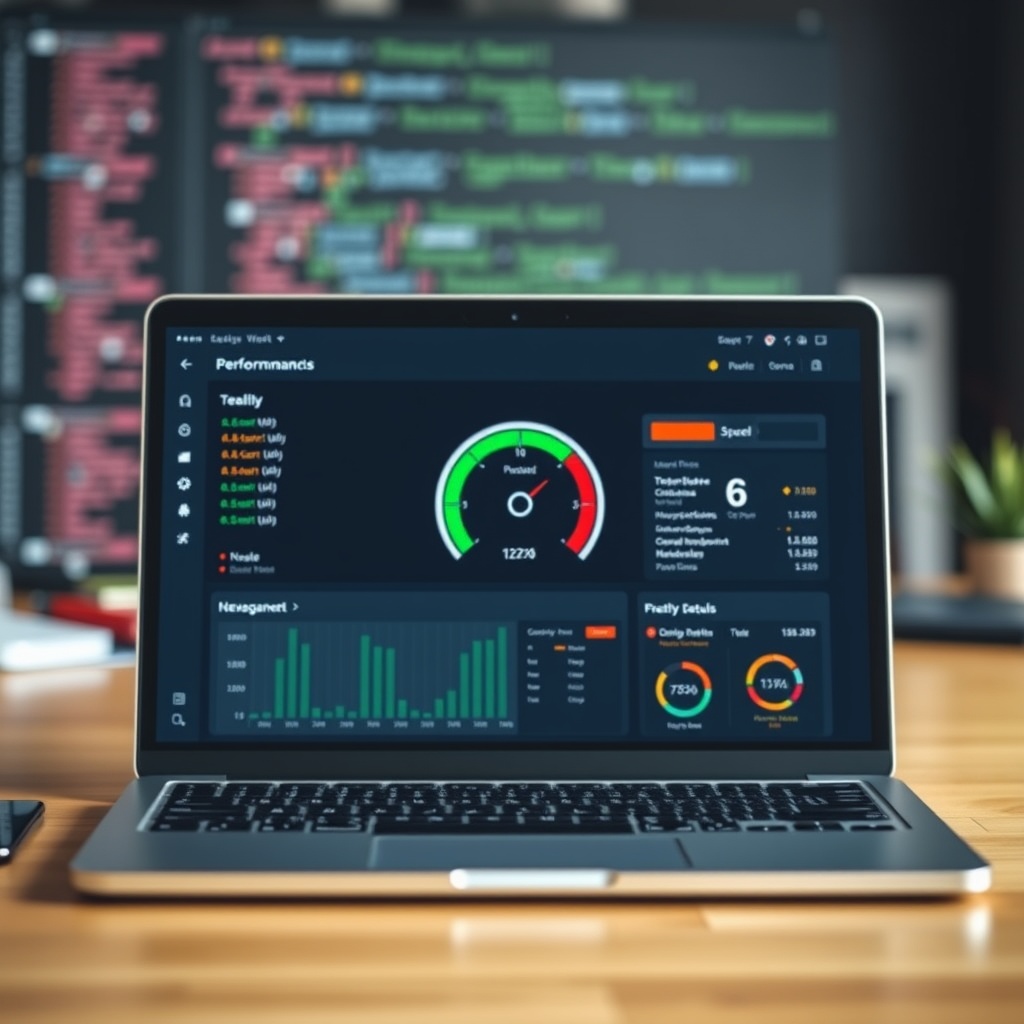
A slow-loading theme can drive visitors away and harm your SEO. Start by optimising images and enabling lazy loading. Use tools like GTmetrix or Google PageSpeed Insights to identify performance bottlenecks. Compress your CSS and JavaScript files, and consider using a content delivery network (CDN) to reduce load times for global visitors.
Caching is another effective way to boost speed. Plugins like WP Rocket or W3 Total Cache store static versions of your pages, reducing server load. Minimise HTTP requests by combining files and using sprites for icons. These small tweaks can significantly improve your site’s performance and user experience.
Reducing Theme Bloat
Many themes come with unnecessary features that slow down your site. Disable unused widgets, shortcodes, and plugins that your theme bundles. Review your theme’s settings and turn off any features you don’t need. A leaner theme runs faster and is easier to maintain.
If your theme includes bloated code, consider switching to a lighter alternative. Themes like GeneratePress or Astra are designed for performance. Always test your site’s speed after making changes to ensure improvements. A faster site not only pleases visitors but also ranks higher in search results.
Caching and Performance Plugins
Caching plugins are a must for any WordPress site. They generate static HTML files, reducing the need for dynamic page generation. Configure your caching plugin to exclude pages that require frequent updates, like shopping carts or member areas. This ensures a balance between speed and functionality.
For advanced users, server-level caching can offer even better performance. Services like Cloudflare provide caching at the edge, reducing latency. Pair this with a performance plugin like WordPress optimization guide for comprehensive speed improvements. Regularly monitor your site’s performance to catch any new issues early.
Security Considerations for WordPress Themes
Choosing Secure Themes
When selecting a WordPress theme, security should be a top priority. I always recommend opting for themes from reputable sources like the official WordPress repository or trusted developers. Free themes can be tempting, but they often lack regular updates and support, making them vulnerable to exploits. Premium themes, on the other hand, usually come with dedicated security patches and customer support, ensuring your site remains protected.
Another critical factor is checking user reviews and ratings. Themes with high ratings and positive feedback are generally more reliable. Additionally, avoid themes with excessive features you don’t need, as bloated code can introduce security risks. A minimalist approach often translates to better security and performance, keeping your site safe from potential threats.
Regular Theme Updates and Security
Keeping your theme updated is non-negotiable for maintaining security. Developers frequently release updates to patch vulnerabilities and improve functionality. I make it a habit to check for updates at least once a month, ensuring my site isn’t exposed to known exploits. Ignoring updates can leave your site open to attacks, as hackers often target outdated software.
Beyond updates, I also recommend enabling automatic updates for minor releases. This ensures your theme stays current without requiring constant manual intervention. However, always back up your site before applying major updates, as they can sometimes introduce compatibility issues. Regular maintenance is a small price to pay for peace of mind and a secure website.
Plugins to Enhance Theme Security
While themes play a significant role in security, plugins can provide an additional layer of protection. I often use tools like WordPress maintenance plugins to monitor and secure my site. Plugins such as Wordfence or Sucuri offer firewall protection, malware scanning, and login security, complementing your theme’s built-in safeguards.
It’s essential to strike a balance between security and performance. Too many security plugins can slow down your site, so I focus on quality over quantity. For example, a single comprehensive security plugin is often more effective than multiple lightweight ones. Always research and choose plugins with strong reputations and regular updates to ensure they remain effective against evolving threats.
Responsive and Mobile-Friendly Themes
Importance of Responsive Design
In today’s digital landscape, a responsive design isn’t just a luxury—it’s a necessity. I’ve seen firsthand how a non-responsive theme can drive visitors away, especially when they’re browsing on mobile devices. Google also prioritises mobile-friendly sites in search rankings, making responsiveness crucial for SEO. A responsive theme adapts seamlessly to any screen size, providing a consistent user experience across devices.
When evaluating themes, I always test their responsiveness using tools like Google’s Mobile-Friendly Test. A theme that fails this test is an immediate red flag. Remember, a significant portion of your audience will access your site via smartphones or tablets, so prioritising mobile-friendliness is key to retaining visitors and improving engagement.
Testing Your Theme on Mobile Devices
Testing your theme on actual mobile devices is a step I never skip. While emulators and browser tools are helpful, they don’t always replicate real-world conditions. I check how the theme performs on different devices, including older models, to ensure compatibility. Issues like slow loading times or misaligned elements can frustrate users and harm your site’s reputation.
I also pay attention to touch interactions, such as button sizes and navigation menus. A mobile-friendly theme should make it easy for users to navigate without zooming or excessive scrolling. If your theme falls short in these areas, consider switching to one that prioritises mobile usability, as it can significantly impact your site’s success.
Best Practices for Mobile Optimization
Optimising your theme for mobile goes beyond responsiveness. I focus on performance, ensuring images and scripts are optimised for faster loading times. Techniques like lazy loading and compressed media files can make a noticeable difference. Additionally, I avoid heavy animations or complex layouts that might not render well on smaller screens.
Another best practice is simplifying your design. Cluttered interfaces can overwhelm mobile users, so I stick to clean, intuitive layouts. Tools like Southend web design resources often highlight the importance of minimalism in mobile design. By prioritising usability and speed, you can create a mobile experience that keeps visitors engaged and coming back for more.
Accessibility in WordPress Themes
Understanding Web Accessibility
Web accessibility ensures that everyone, including people with disabilities, can use your site effectively. I’ve learned that accessibility isn’t just about compliance—it’s about inclusivity. A theme that supports accessibility features like keyboard navigation and screen reader compatibility can reach a broader audience. Ignoring these elements can alienate potential visitors and even lead to legal repercussions in some regions.
I always look for themes that adhere to WCAG (Web Content Accessibility Guidelines) standards. These guidelines cover aspects like colour contrast, text size, and alternative text for images. By choosing an accessible theme, you demonstrate a commitment to inclusivity and improve the overall user experience for all visitors.
Features of Accessible Themes
Accessible themes often include built-in features like high-contrast modes and resizable text. I appreciate themes that offer these options out of the box, as they reduce the need for additional plugins or custom code. Another key feature is semantic HTML, which ensures screen readers can interpret your content correctly. Themes with proper heading hierarchies and ARIA labels are always on my shortlist.
I also check for theme settings that allow users to adjust the interface to their needs. For example, toggle switches for dark mode or font adjustments can make a big difference. Accessibility isn’t just a checkbox—it’s about empowering users to interact with your site in a way that works best for them.
Tools to Test Theme Accessibility
Testing your theme’s accessibility is a step I never overlook. Tools like WAVE or axe Accessibility Checker help identify potential issues, such as missing alt text or poor colour contrast. I run these tests during the theme selection process and again after customising the site. Addressing accessibility issues early saves time and ensures a smoother experience for all users.
Another valuable resource is WordPress design services, which often include accessibility audits. Professional feedback can highlight areas for improvement you might have missed. By prioritising accessibility, you create a site that’s not only compliant but also welcoming to everyone.
E-Commerce Themes for WordPress
Key Features of E-Commerce Themes
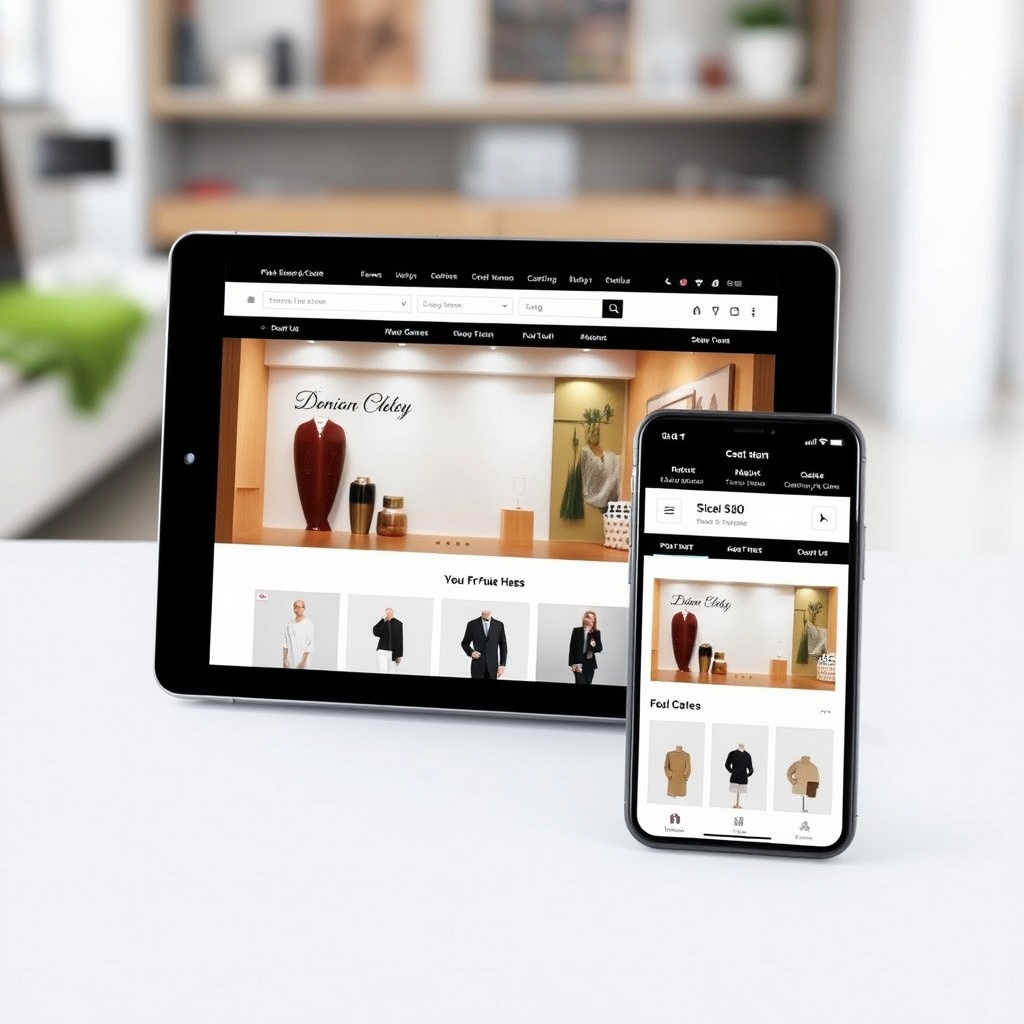
E-commerce themes are designed to support online stores, and I’ve found that the best ones include features like product galleries, shopping carts, and checkout pages. Integration with plugins like WooCommerce is essential, as it provides the backbone for most WordPress-based stores. A well-designed e-commerce theme should also offer customisation options for product pages, ensuring your store stands out from the competition.
Performance is another critical factor. Slow-loading product pages can lead to abandoned carts, so I prioritise themes optimised for speed. Features like AJAX loading and lazy images can enhance the shopping experience. Additionally, a mobile-responsive design is non-negotiable, as many shoppers browse and purchase on their phones.
WooCommerce Theme Selection Tips
Choosing the right WooCommerce theme requires careful consideration. I start by evaluating the demo to see how it handles product displays and checkout processes. A theme with a clean, intuitive layout is ideal, as it reduces friction for buyers. I also look for themes with built-in SEO features, as visibility is crucial for driving traffic to your store.
Support and documentation are equally important. A theme with detailed guides and responsive support can save you hours of troubleshooting. I’ve had great experiences with themes from reputable developers, as they often provide regular updates and security patches. Don’t compromise on quality—your theme is the foundation of your online store.
Customizing E-Commerce Themes
Customisation is where your e-commerce theme truly shines. I use the WordPress Customizer to tweak colours, fonts, and layouts, ensuring the design aligns with my brand. Advanced users might explore child themes to make deeper modifications without risking updates. Plugins like Elementor or Beaver Builder can also streamline the customisation process, offering drag-and-drop functionality.
One tip I swear by is testing changes on a staging site before applying them live. This prevents disruptions to your store’s functionality. For inspiration, I often turn to external resources showcasing top WooCommerce themes. A well-customised theme not only looks professional but also enhances the shopping experience, encouraging repeat business.
Multilingual Themes and WordPress
Benefits of Multilingual Themes
Multilingual themes allow us to reach a global audience by supporting multiple languages seamlessly. They enhance user experience, making our content accessible to non-English speakers. Additionally, they improve SEO rankings by targeting keywords in various languages. With a multilingual theme, we can expand our reach without needing separate websites for each language, saving time and resources.
Popular Multilingual Plugins
Plugins like WPML and Polylang simplify the process of creating multilingual websites. WPML offers advanced features like translation management, while Polylang is lightweight and user-friendly. These plugins integrate smoothly with most themes, ensuring compatibility. We recommend choosing a plugin based on our specific needs, whether it’s for a blog, e-commerce site, or corporate platform.
Setting Up a Multilingual Website
To set up a multilingual website, we first install a compatible theme and a multilingual plugin. Next, we configure the language settings and translate our content. It’s essential to ensure all elements, including menus and widgets, are translated. Testing the site in different languages helps identify any issues. For further guidance, check out WordPress design services.
Theme Development Basics
Introduction to Theme Development
Theme development involves creating custom designs for WordPress websites. It requires knowledge of HTML, CSS, PHP, and the WordPress template hierarchy. By developing our own themes, we gain full control over the design and functionality. This is ideal for businesses needing unique branding or specific features not available in pre-made themes.
Essential Tools for Theme Developers
Tools like Local by Flywheel for local development and VS Code for coding are indispensable. Plugins like Theme Check ensure our themes meet WordPress standards. Version control with Git helps manage changes efficiently. These tools streamline the development process, making it easier to create high-quality themes. For more on development, explore web design.
Best Practices in Theme Development
Following best practices ensures our themes are secure, performant, and maintainable. We should use clean code, adhere to WordPress coding standards, and optimise for speed. Regular updates and thorough testing are crucial. By prioritising user experience and accessibility, we create themes that stand out. Learn more about WordPress popularity.
Future Trends in WordPress Themes
Emerging Design Trends
Minimalist designs, dark mode, and micro-interactions are gaining popularity. These trends focus on enhancing user engagement and aesthetics. As designers, we should stay updated with these trends to create modern, visually appealing themes. Incorporating such elements can set our themes apart in a competitive market.
The Role of AI in Theme Development
AI is revolutionising theme development by automating design processes and personalising user experiences. Tools like AI-powered builders can generate layouts based on user preferences. This reduces development time and allows for more creative experimentation. Embracing AI can give us a competitive edge in the evolving WordPress ecosystem.
Predictions for WordPress Themes
We anticipate themes becoming more modular and adaptable to different industries. Integration with emerging technologies like AR and VR could redefine user interactions. Sustainability in design, such as energy-efficient coding practices, might also become a priority. Staying ahead of these trends ensures our themes remain relevant and innovative.
Frequently Asked Questions
What are the benefits of using a multilingual theme?
Multilingual themes help us reach a broader audience by supporting multiple languages. They improve user experience and SEO, making our content accessible globally. With plugins like WPML, managing translations becomes effortless, saving time and resources.
How do I choose the right multilingual plugin?
Consider factors like ease of use, compatibility, and features. WPML is ideal for advanced needs, while Polylang suits simpler projects. Testing plugins with our theme ensures seamless integration and functionality.
What tools are essential for theme development?
Local development environments, code editors like VS Code, and version control systems are crucial. Plugins like Theme Check help maintain WordPress standards, ensuring our themes are secure and performant.
How can AI enhance theme development?
AI automates design processes, personalises user experiences, and speeds up development. Tools like AI-powered builders generate layouts, allowing us to focus on creativity and innovation.
