
Introduction
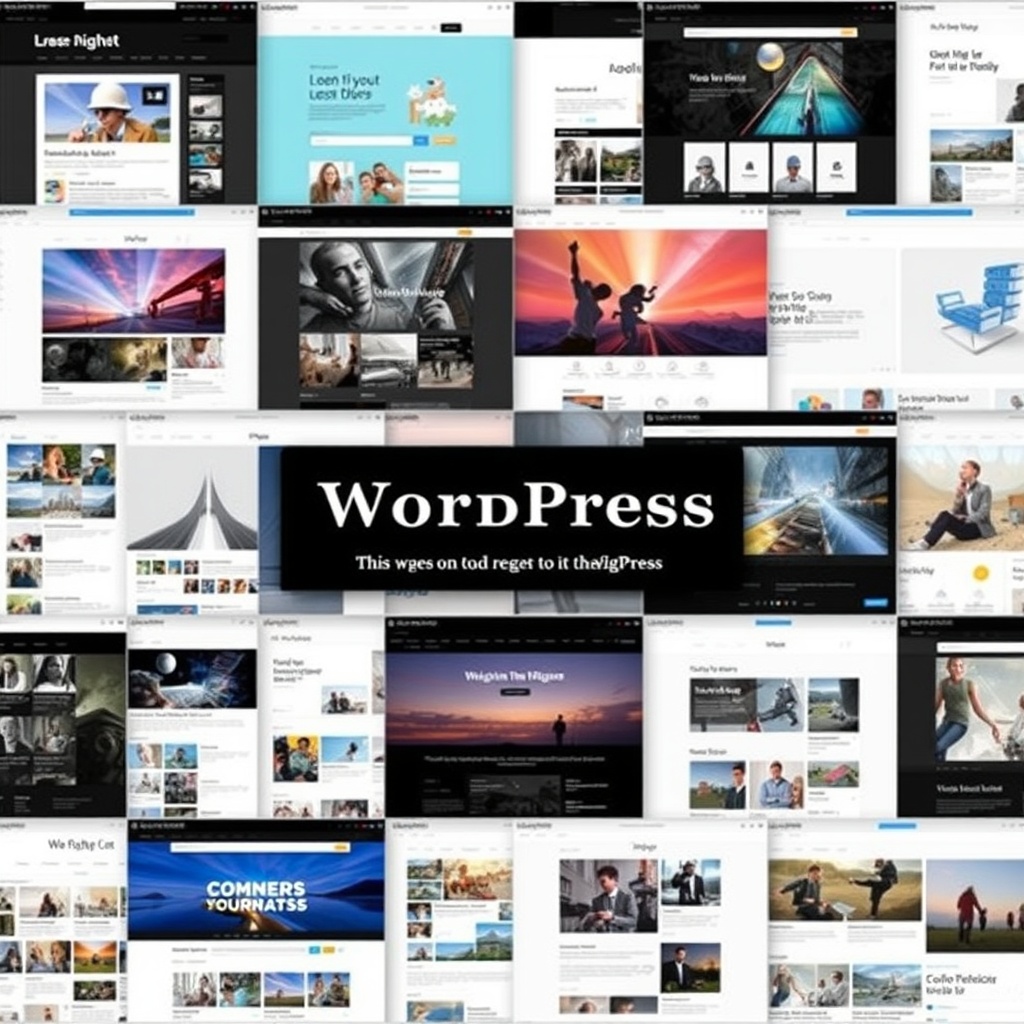
When I first started exploring the world of website building, WordPress stood out as a powerhouse. It’s no surprise that over 40% of all websites today are built with it. From personal blogs to global e-commerce stores, WordPress offers unparalleled flexibility. Whether you’re a beginner or a seasoned developer, understanding its reach can help you make informed decisions for your own projects.
Key Takeaways
- WordPress powers over 40% of all websites, making it the most popular content management system.
- It’s versatile, supporting everything from blogs to e-commerce stores with plugins like WooCommerce.
- WordPress.org offers full control, while WordPress.com is a hosted solution for beginners.
- Notable brands like The New Yorker and Sony use WordPress for their online presence.
- Its user-friendly interface and strong community support make it ideal for all skill levels.
Introduction to WordPress as a Website Builder
What is WordPress
WordPress is an open-source content management system (CMS) that allows users to create and manage websites without extensive coding knowledge. Initially launched as a blogging platform, it has evolved into a robust tool for building all types of websites. Its flexibility and scalability make it a favourite among developers and beginners alike.
The Popularity of WordPress
WordPress’s popularity stems from its ease of use and extensive customisation options. With thousands of themes and plugins, users can tailor their sites to meet specific needs. Its open-source nature fosters a vibrant community, ensuring continuous improvements and support. This combination of accessibility and power explains why it dominates the CMS market.
WordPress.org vs WordPress.com
WordPress.org provides the software for self-hosted websites, offering full control over design and functionality. In contrast, WordPress.com is a hosted service with limited customisation but easier setup. For those serious about building a unique online presence, WordPress.org is the preferred choice. However, beginners might find WordPress.com more approachable.
Types of Websites Built with WordPress
WordPress’s versatility shines in the variety of websites it supports. From personal blogs to corporate portals, its adaptability is unmatched. E-commerce stores thrive with plugins like WooCommerce, while creative professionals use it for portfolios. The platform’s scalability ensures it grows with your needs, whether you’re a solo entrepreneur or a large enterprise.
For businesses looking to establish a strong online presence, WordPress offers a cost-effective solution. Its extensive plugin library allows for seamless integration of features like SEO tools and security measures, making it a one-stop shop for website building.
Types of Websites Built with WordPress
Blogs and Personal Websites
WordPress began as a blogging platform, and it remains a favourite for bloggers and personal websites. Its intuitive interface allows users to focus on content creation without worrying about complex coding. Whether you’re sharing travel stories, recipes, or personal reflections, WordPress offers themes and plugins tailored to your niche. I’ve seen countless bloggers thrive using its built-in SEO tools and social media integration.
For those just starting, WordPress provides a seamless setup process. You can choose from thousands of free and premium themes to match your style. The platform’s flexibility ensures your blog grows with you, whether you’re adding multimedia or monetising your content. It’s no wonder WordPress powers over 40% of all blogs online today.
Business Websites
Many businesses, from small startups to large corporations, rely on WordPress for their online presence. Its scalability makes it ideal for showcasing services, portfolios, and client testimonials. We’ve worked with clients who appreciate the ease of updating their websites without needing a developer. Plugins like WordPress design services enhance functionality, from contact forms to appointment scheduling.
WordPress also supports multilingual sites, catering to global audiences. With responsive themes, your business site looks great on any device. The platform’s robust security features, combined with regular updates, ensure your data remains protected. For businesses, WordPress isn’t just a website builder—it’s a powerful tool for growth.
E-Commerce Stores
WooCommerce, a WordPress plugin, has revolutionised e-commerce by enabling anyone to set up an online store. Whether you’re selling handmade crafts or digital products, WooCommerce integrates seamlessly with WordPress. I’ve helped clients create stores with features like inventory management, secure payment gateways, and customer reviews. The plugin’s flexibility allows for customisation to match your brand’s identity.
WordPress also supports other e-commerce solutions like Easy Digital Downloads and Shopify integrations. With plugins for SEO and marketing, your store can attract and retain customers. The platform’s scalability ensures your store can handle increased traffic and sales as your business expands. For entrepreneurs, WordPress is a cost-effective way to launch and grow an e-commerce business.
Portfolios and Creative Websites
Artists, photographers, and designers often choose WordPress to showcase their work. Its gallery plugins and visual builders make it easy to create stunning portfolios. Themes like Divi and Astra offer drag-and-drop functionality, allowing creatives to focus on their art rather than coding. I’ve seen portfolios that stand out with interactive elements and smooth animations.
WordPress also supports multimedia content, from videos to audio clips. Plugins like Envira Gallery help organise and display work professionally. For freelancers, integrating a blog or shop can further engage visitors. Whether you’re a solo artist or a creative agency, WordPress provides the tools to build a visually compelling online presence.
Notable Examples of WordPress Websites
Famous Blogs and News Outlets
Many renowned blogs and news sites, such as TechCrunch and The New Yorker, run on WordPress. Its ability to handle high traffic and frequent updates makes it ideal for publishers. These sites leverage custom themes and plugins to deliver content efficiently. I’ve always admired how WordPress supports multimedia storytelling, from embedded videos to interactive infographics.
The platform’s user management system allows large teams to collaborate seamlessly. Editors, writers, and designers can work simultaneously without disrupting the site’s performance. With features like scheduled posts and social sharing, WordPress ensures content reaches the right audience at the right time. For news outlets, it’s a reliable backbone for digital journalism.
High-Profile Business Sites
Companies like Sony Music and Bloomberg use WordPress for their corporate websites. The platform’s flexibility accommodates complex layouts and dynamic content. Custom post types and taxonomies help organise information, from press releases to investor relations. I’ve worked with businesses that appreciate WordPress’s ability to integrate with CRM systems and analytics tools.
WordPress also excels in branding, allowing businesses to maintain a consistent identity across their site. With WordPress maintenance services, companies ensure their sites remain secure and up-to-date. For enterprises, WordPress offers a balance of power and simplicity, making it a top choice for corporate websites.
Celebrity and Artist Portfolios
Celebrities like Katy Perry and Snoop Dogg use WordPress to connect with fans. Their sites feature everything from tour dates to merchandise stores. WordPress’s multimedia capabilities shine here, with galleries, videos, and music players enhancing the user experience. I’ve seen how plugins like WooCommerce turn fan sites into revenue streams.
Artists also benefit from WordPress’s portfolio themes, which highlight their work elegantly. Customisable layouts ensure each site reflects the artist’s unique style. With SEO plugins, these sites rank well in search results, attracting more visitors. For public figures, WordPress is a versatile platform for building and managing their online presence.
Benefits of Using WordPress for Website Building
User-Friendly Interface
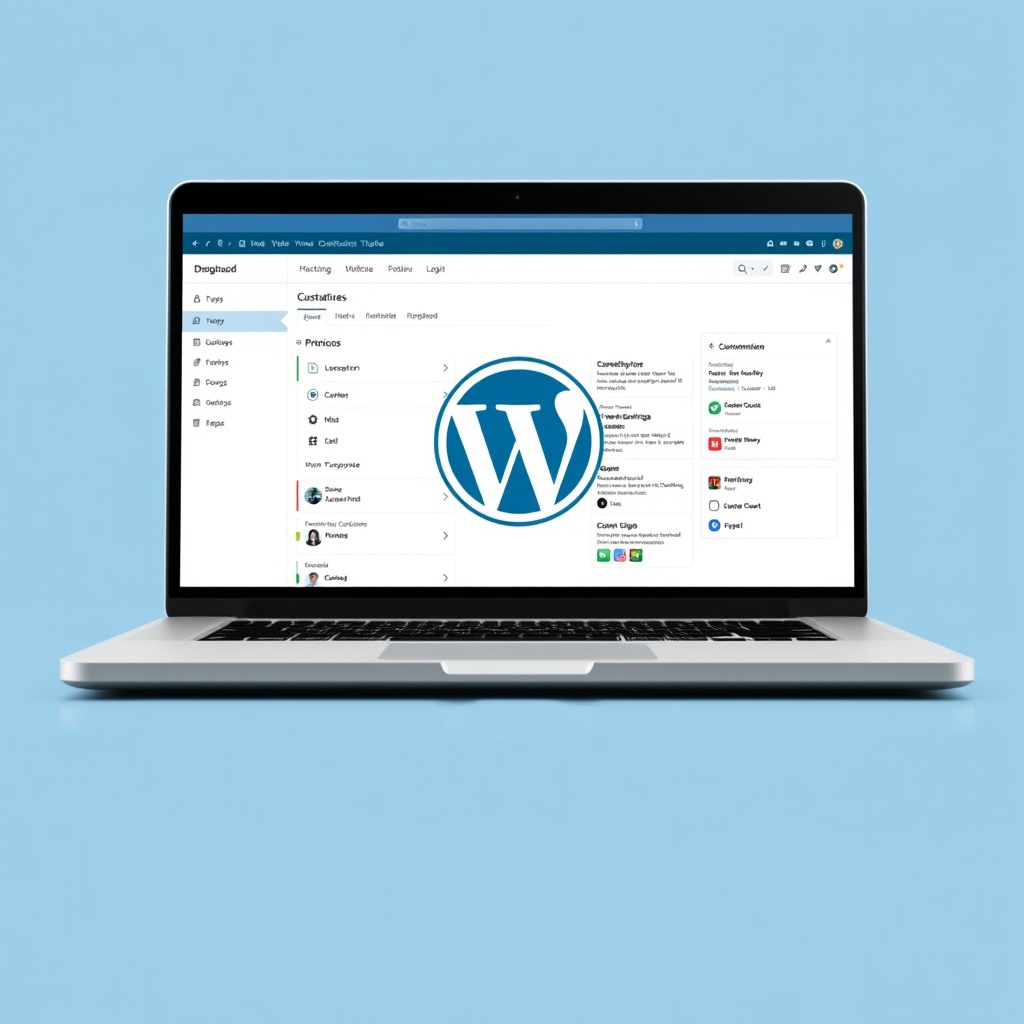
WordPress’s dashboard is intuitive, even for beginners. You don’t need coding skills to create and manage content. The block editor simplifies page building, allowing you to drag and drop elements. I’ve trained clients who were amazed at how quickly they could update their sites. The platform’s extensive documentation and tutorials further ease the learning curve.
For advanced users, WordPress offers customisation through CSS and PHP. This balance of simplicity and power makes it accessible to everyone. Whether you’re a solo blogger or part of a large team, WordPress adapts to your needs. Its user-friendly design is one reason it dominates the website-building market.
Extensive Customization Options
With thousands of themes and plugins, WordPress lets you tailor your site to your exact needs. Whether you want a minimalist blog or a feature-rich e-commerce store, the options are endless. I’ve used WordPress guides to help clients find the perfect tools for their projects. The platform’s open-source nature encourages continuous innovation.
Custom post types and taxonomies allow for unique content structures. Developers can create bespoke solutions, while non-technical users benefit from pre-made options. WordPress’s flexibility ensures your site evolves with your goals. From design to functionality, the possibilities are limitless.
Strong Community Support
WordPress boasts a global community of developers, designers, and users. Forums, meetups, and WordCamps provide endless opportunities for learning and collaboration. I’ve found solutions to complex issues through community forums. The platform’s open-source model means updates and improvements are driven by collective expertise.
Plugins and themes often come with dedicated support teams. Whether you’re troubleshooting or seeking advice, help is always available. This vibrant ecosystem ensures WordPress remains at the forefront of web development. For anyone building a website, the community is an invaluable resource.
How to Identify a WordPress Website
Checking the Source Code
One of the simplest ways to identify a WordPress website is by examining its source code. Right-click on the webpage and select “View Page Source.” Look for references to “wp-content” or “wp-includes which are telltale signs of WordPress. These directories house themes, plugins, and core files, making them unmistakable indicators of the platform’s use.
Another clue lies in the meta tags. WordPress often includes generator tags like “WordPress” followed by the version number. While some site owners remove these for security reasons, their presence is a clear giveaway. For those unfamiliar with code, browser extensions like “Wappalyzer” can automate this process, revealing the underlying technology effortlessly.
Using Online Tools and Extensions
For those less tech-savvy, online tools like BuiltWith or WhatCMS offer a straightforward way to identify WordPress sites. Simply enter the URL, and these tools analyse the site’s infrastructure, revealing whether WordPress powers it. Browser extensions like “WordPress Theme Detector” go further, identifying the specific theme and plugins used, providing deeper insights into the site’s setup.
These tools are particularly useful for competitors or developers seeking inspiration. By understanding the themes and plugins behind successful sites, you can replicate their functionality or avoid common pitfalls. However, remember that some sites employ obfuscation techniques to hide their WordPress roots, so results aren’t always foolproof.
Common Themes and Plugins Indicators
WordPress themes and plugins often leave subtle fingerprints. For instance, default WordPress themes like “Twenty Twenty-One” or popular frameworks like “Divi” and “Avada” have distinct styling cues. If a site features a slider with a specific design or a contact form with familiar fields, it’s likely using a well-known plugin like “Slider Revolution” or “Contact Form 7.”
Additionally, URLs containing “wp-admin” or “wp-login.php” are dead giveaways. Even if the login page is hidden or renamed, these paths are often accessible, confirming the site’s WordPress foundation. Recognising these patterns can help you quickly identify WordPress sites, whether for research, collaboration, or troubleshooting.
WordPress Themes and Their Impact on Website Design
Popular WordPress Themes
WordPress themes like “Astra “OceanWP and “GeneratePress” dominate the market due to their flexibility and performance. These themes offer pre-built templates and customisation options, catering to diverse industries. For instance Astra” is favoured for its lightweight design, while “Divi” appeals to creatives with its drag-and-drop builder. Choosing the right theme depends on your site’s purpose and technical requirements.
Themes also influence user experience. A well-designed theme ensures intuitive navigation and fast load times, critical for retaining visitors. Many themes integrate with popular page builders like Elementor or Beaver Builder, allowing even beginners to create professional layouts. However, avoid overloading your site with unnecessary features, as this can bloat performance and confuse users.
Custom vs. Pre-made Themes
Custom themes offer unparalleled uniqueness, tailored to your brand’s identity. They eliminate the limitations of pre-made themes, allowing for bespoke functionality and design. However, they require significant investment in time and resources, making them ideal for businesses with specific needs or larger budgets. A professional WordPress designer can help bridge this gap, balancing creativity and practicality.
Pre-made themes, on the other hand, are cost-effective and quick to deploy. They come with built-in features and support, reducing development time. While they may lack exclusivity, many offer extensive customisation options. For small businesses or personal projects, pre-made themes often strike the perfect balance between affordability and functionality.
How Themes Affect Website Performance
Themes play a pivotal role in site performance. Bloated themes with excessive scripts and styles can slow down load times, harming SEO and user experience. Opt for lightweight themes optimised for speed, especially if targeting mobile users. Tools like Google PageSpeed Insights can help evaluate a theme’s performance before committing.
Additionally, ensure your theme is regularly updated and compatible with the latest WordPress version. Outdated themes can introduce security vulnerabilities or break functionality. Prioritise themes from reputable developers with active support communities, ensuring long-term reliability and peace of mind.
Essential Plugins for WordPress Websites
SEO Plugins
Plugins like “Yoast SEO” and “Rank Math” are indispensable for optimising your site’s visibility. They guide you through keyword placement, meta descriptions, and readability improvements, ensuring your content ranks well on search engines. These tools also generate XML sitemaps and manage canonical URLs, simplifying technical SEO. For beginners, they demystify complex concepts, making SEO accessible without expert knowledge.
However, avoid over-reliance on plugins. Excessive SEO tweaks can lead to “over-optimisation penalised by search engines. Focus on creating high-quality content first, using plugins to enhance, not replace, your efforts. Regularly audit your SEO strategy to adapt to algorithm changes and maintain competitive rankings.
Security Plugins
WordPress’s popularity makes it a target for hackers, necessitating robust security measures. Plugins like “Wordfence” and “Sucuri” offer firewall protection, malware scanning, and login hardening. They monitor suspicious activity and block brute-force attacks, safeguarding your site’s integrity. Regular updates and strong passwords complement these tools, forming a comprehensive defence strategy.
Security plugins also provide recovery options. If your site is compromised, they facilitate quick restoration from backups. For businesses handling sensitive data, investing in premium security solutions is non-negotiable. A maintenance plan can ensure your site remains secure and up-to-date, minimising vulnerabilities.
E-Commerce Plugins
For online stores WooCommerce” is the go-to plugin, transforming WordPress into a powerful e-commerce platform. It supports product listings, payment gateways, and inventory management, catering to businesses of all sizes. Extensions like “WooCommerce Subscriptions” or “Bookings” add specialised functionality, expanding your store’s capabilities without custom coding.
However, e-commerce plugins can strain server resources. Optimise your site with caching plugins and a reliable hosting provider to handle increased traffic. Regularly test your checkout process to ensure seamless transactions, as even minor glitches can deter customers and impact sales.

The Role of WordPress in E-Commerce
WooCommerce and Other E-Commerce Solutions
WooCommerce powers over 28% of all online stores, thanks to its flexibility and scalability. It integrates seamlessly with WordPress, allowing merchants to manage products, orders, and customers from a familiar dashboard. Alternatives like “Easy Digital Downloads” cater to digital products, while “BigCommerce for WordPress” combines hosted and self-hosted benefits. Choosing the right solution depends on your product type and growth plans.
Extensions enhance WooCommerce’s functionality, adding features like multi-currency support or advanced analytics. However, each extension adds complexity, so prioritise essentials to avoid bloating your site. Partnering with a specialist ensures your store is optimised for performance and user experience, maximising conversions.
Success Stories of WordPress E-Commerce Sites
Brands like “All Blacks Shop” and “Porter & York” exemplify WordPress’s e-commerce potential. These sites leverage WooCommerce’s customisation options to create unique shopping experiences, from personalised product recommendations to streamlined checkouts. Their success underscores WordPress’s ability to compete with dedicated e-commerce platforms, offering unparalleled control over design and functionality.
For inspiration, explore case studies or industry reports highlighting WordPress e-commerce achievements. These stories reveal common strategies, such as mobile optimisation or social media integration, that you can adapt to your store. Remember, success hinges on understanding your audience and continuously refining your approach based on data and feedback.
Tips for Running an E-Commerce Site on WordPress
Running a successful e-commerce site requires more than just a plugin. Prioritise mobile responsiveness, as over half of online shoppers use mobile devices. Implement secure payment gateways like PayPal or Stripe to build trust and reduce cart abandonment. Regularly update your product listings and promotions to keep content fresh and engaging.
Leverage analytics tools to track visitor behaviour and sales trends. Plugins like “MonsterInsights” integrate Google Analytics, providing actionable insights. Finally, invest in reliable hosting to ensure fast load times and minimal downtime, critical for maintaining customer satisfaction and search engine rankings. — Let me know if you’d like any adjustments or additional details!
WordPress for Blogging A Deep Dive
Setting Up a Blog on WordPress
Setting up a blog on WordPress is straightforward, thanks to its intuitive interface. I recommend starting with a self-hosted WordPress.org site for full control. Choose a reliable hosting provider and install WordPress with a few clicks. Select a theme that aligns with your blog’s niche, and customise it to reflect your brand. Plugins like Yoast SEO can help optimise your content from the start.
Once your blog is live, focus on creating a content calendar. Consistency is key to building an audience. Use categories and tags to organise posts, making it easier for readers to navigate. WordPress’s built-in editor allows for seamless formatting, and you can enhance posts with multimedia elements. Remember, a well-structured blog keeps visitors engaged and encourages return visits.
Monetization Strategies for WordPress Blogs
Monetising a WordPress blog requires strategic planning. Affiliate marketing is a popular option—partner with brands and earn commissions for promoting their products. Display ads through networks like Google AdSense can generate passive income. For more control, consider selling digital products or offering premium content through memberships. Plugins like WooCommerce make it easy to set up an e-commerce store.
Sponsored posts and freelance writing opportunities are other avenues to explore. Ensure your monetisation methods align with your audience’s interests to maintain trust. Diversifying income streams reduces reliance on a single source. Regularly analyse performance metrics to refine your strategy. With persistence, your blog can become a sustainable revenue stream.
SEO Best Practices for WordPress Blogs
SEO is crucial for driving organic traffic to your WordPress blog. Start by optimising your site structure—use clean URLs and internal linking to improve navigation. Plugins like Rank Math or Yoast SEO provide actionable suggestions for on-page optimisation. Focus on keyword research to target topics your audience cares about, and create high-quality, long-form content that addresses their needs.
Technical SEO is equally important. Ensure your site loads quickly by optimising images and using caching plugins. Mobile responsiveness is non-negotiable, as Google prioritises mobile-friendly sites. Regularly update old posts to keep them relevant. By combining content and technical SEO, you’ll improve your blog’s visibility and attract more readers.
Customizing WordPress Websites for Businesses
Custom Post Types and Taxonomies
Custom post types and taxonomies allow businesses to tailor WordPress to their specific needs. For example, a real estate agency can create a “Property” post type with custom fields for price and location. Taxonomies like “Neighbourhood” or “Property Type” help organise content logically. Plugins like Advanced Custom Fields simplify this process, making it accessible even for non-developers.
These customisations enhance user experience by presenting information in a structured way. They also improve SEO by creating clear, searchable content hierarchies. Whether you’re managing a portfolio, directory, or product catalogue, custom post types and taxonomies offer flexibility. They transform WordPress from a blogging platform into a powerful business tool.
Integrating Third-Party Services
Integrating third-party services expands your WordPress site’s functionality. For instance, connecting to Mailchimp automates email marketing, while CRM integrations streamline customer management. Payment gateways like PayPal or Stripe enable seamless transactions for e-commerce sites. Plugins and APIs make these integrations straightforward, but ensure they’re secure and well-documented.
Choose services that align with your business goals. Test integrations thoroughly to avoid disruptions. Regularly update plugins and APIs to maintain compatibility. By leveraging third-party tools, you can enhance efficiency and provide a smoother experience for your customers.
Creating a Unique Brand Identity
A unique brand identity sets your business apart on WordPress. Start with a custom logo and colour scheme that reflects your brand’s personality. Use a professional design service if needed. Typography and imagery should be consistent across all pages. Custom CSS or child themes allow for deeper customisation without affecting core files.
Your brand voice should resonate through your content. Whether formal or conversational, maintain consistency in tone. Include testimonials and case studies to build trust. A cohesive brand identity fosters recognition and loyalty, turning visitors into long-term customers.
Performance Optimization for WordPress Websites
Caching and Speed Optimization
Caching is essential for improving WordPress site speed. Plugins like WP Rocket or W3 Total Cache generate static HTML files, reducing server load. Enable browser caching to store resources locally on visitors’ devices. Minimise CSS and JavaScript files to decrease load times. A fast-loading site enhances user experience and boosts SEO rankings.
Regularly monitor performance using tools like Google PageSpeed Insights. Address issues like render-blocking resources or large images. Consider a Content Delivery Network (CDN) to serve content from servers closer to your audience. Speed optimisation is an ongoing process, but the rewards—higher engagement and lower bounce rates—are worth the effort.
Image Optimization Techniques
Images often slow down WordPress sites, but optimisation can mitigate this. Use tools like TinyPNG to compress files without losing quality. Choose the right file format—JPEG for photographs, PNG for graphics with transparency. Lazy loading delays image loading until they’re needed, improving initial page speed.
Responsive images ensure they display correctly on all devices. WordPress’s built-in cropping tools help resize images to fit your layout. Alt text improves accessibility and SEO. By optimising images, you’ll maintain visual appeal while keeping your site fast and efficient.
Choosing the Right Hosting Provider
Your hosting provider significantly impacts WordPress performance. Shared hosting is affordable but may lack resources for high-traffic sites. VPS or dedicated hosting offers better performance and security. Managed WordPress hosting, like WP Engine, includes optimisations tailored for WordPress.
Look for providers with SSD storage, PHP 8+ support, and free SSL certificates. Uptime guarantees and customer support are also critical. A reliable host ensures your site remains fast, secure, and accessible, providing a solid foundation for growth.
Security Measures for WordPress Websites
Common Security Threats
WordPress sites face threats like brute force attacks, SQL injections, and malware. Hackers often target outdated plugins or weak passwords. Phishing scams and cross-site scripting (XSS) are also prevalent. Recognising these threats is the first step in safeguarding your site. Regular audits and monitoring can help detect vulnerabilities early.
Stay informed about emerging threats by following WordPress security updates. Educate your team on best practices, such as avoiding suspicious links. Proactive measures reduce the risk of breaches, protecting your data and reputation.
Best Practices for WordPress Security
Implementing strong security practices is non-negotiable. Use complex passwords and two-factor authentication (2FA) to prevent unauthorised access. Limit login attempts with plugins like Login LockDown. Regularly update WordPress core, themes, and plugins to patch vulnerabilities. Backup your site frequently, storing copies offsite.
Disable file editing in the WordPress dashboard to prevent code tampering. Restrict user roles to minimise access levels. A Web Application Firewall (WAF) can block malicious traffic before it reaches your site. These measures create multiple layers of defence, making your site a harder target for attackers.
Recommended Security Plugins
Security plugins simplify WordPress protection. Wordfence offers real-time threat detection and firewall protection. Sucuri provides malware scanning and removal, along with DDoS mitigation. iThemes Security strengthens login security and monitors file changes. Choose plugins with active development and positive reviews.
Configure plugins to automate scans and alerts. Regularly review security logs for suspicious activity. While plugins are powerful, they’re most effective when combined with manual vigilance. A multi-faceted approach ensures comprehensive protection for your WordPress site.
The Future of WordPress Website Development
Emerging Trends in WordPress
WordPress continues to evolve, embracing trends like headless CMS and AI-driven design tools. We’re seeing a shift towards more dynamic, interactive websites that prioritise user experience. With the rise of WordPress website design services, businesses can leverage these trends to stay ahead. The platform’s adaptability ensures it remains a top choice for developers and content creators alike.
Another trend is the integration of voice search optimisation and augmented reality. These innovations are transforming how users interact with WordPress sites. As the digital landscape changes, WordPress’s open-source nature allows it to integrate cutting-edge technologies seamlessly. This flexibility ensures it remains relevant in an ever-evolving market.
The Impact of Gutenberg Editor
The Gutenberg editor has revolutionised WordPress by simplifying content creation with its block-based approach. We’ve found it empowers users to design visually appealing layouts without coding knowledge. Its continuous updates, like full-site editing, make it a game-changer for web design. The editor’s intuitive interface aligns with modern design expectations.
Gutenberg also fosters collaboration, allowing teams to work efficiently on complex projects. Its modular design encourages creativity while maintaining consistency across pages. As more plugins and themes become Gutenberg-compatible, its influence on WordPress development will only grow. This editor is a testament to WordPress’s commitment to user-friendly innovation.
WordPress and the Rise of Headless CMS
Headless CMS is gaining traction, and WordPress is at the forefront of this movement. By decoupling the front-end from the back-end, developers gain unparalleled flexibility. We’ve seen businesses use headless WordPress to deliver content across multiple platforms, from mobile apps to IoT devices. This approach enhances performance and scalability.
Headless WordPress also supports modern frameworks like React and Vue.js, making it ideal for custom solutions. While it requires technical expertise, the benefits are undeniable. For those exploring this trend, WordPress website maintenance becomes crucial to ensure seamless integration. The future of WordPress lies in its ability to adapt to these advanced architectures.
Comparing WordPress with Other Website Builders
WordPress vs Squarespace
WordPress offers unmatched flexibility compared to Squarespace’s templated approach. While Squarespace is user-friendly, WordPress provides endless customisation options through plugins and themes. We’ve found that businesses needing unique branding often prefer WordPress. Its open-source nature allows for tailored solutions, unlike Squarespace’s closed ecosystem.
Squarespace excels in simplicity, making it ideal for beginners. However, WordPress’s scalability makes it a better long-term investment. With WordPress hosting, you can handle high traffic and complex functionalities. For those prioritising control and growth, WordPress is the clear winner.
WordPress vs Wix
Wix’s drag-and-drop builder is appealing, but WordPress’s plugin ecosystem offers deeper functionality. We’ve observed that Wix suits small projects, while WordPress supports enterprise-level sites. The ability to switch themes and plugins in WordPress provides unparalleled adaptability.
Wix’s simplicity comes at the cost of limited SEO capabilities. WordPress, on the other hand, integrates seamlessly with tools like Yoast SEO. For businesses focused on growth, WordPress’s extensibility outweighs Wix’s convenience. It’s the go-to choice for those serious about their online presence.
WordPress vs Shopify
Shopify dominates e-commerce, but WordPress with WooCommerce is a formidable alternative. We’ve seen businesses thrive using WordPress for its versatility beyond online stores. While Shopify excels in e-commerce ease, WordPress allows for a broader website scope, including blogs and portfolios.
Shopify’s subscription model can be costly, whereas WordPress offers more control over expenses. With plugins like WooCommerce, WordPress transforms into a powerful e-commerce platform. For businesses wanting a holistic online presence, WordPress is the superior choice.
Getting Started with Your WordPress Website
Choosing a Domain and Hosting
Your domain name should reflect your brand and be easy to remember. We recommend selecting a reliable hosting provider to ensure site performance. Shared hosting is cost-effective for beginners, while dedicated hosting suits high-traffic sites. Always prioritise speed and security in your choice.
Many hosting providers offer one-click WordPress installations, simplifying setup. Consider factors like uptime guarantees and customer support when making your decision. A strong foundation with the right domain and hosting sets the stage for a successful website.
Installing WordPress
Most hosting providers include a one-click WordPress installation feature. This process is straightforward, even for beginners. Once installed, you’ll access the WordPress dashboard, your control centre for site management. From here, you can start customising your site’s appearance and functionality.
Ensure you update WordPress and its components regularly to maintain security. The dashboard’s intuitive design makes it easy to navigate, even for first-time users. With WordPress installed, you’re ready to build your online presence.
Selecting and Customising Your Theme
WordPress offers thousands of themes, both free and premium. Choose one that aligns with your brand and goals. Customisation options vary, but most themes allow adjustments to colours, fonts, and layouts. We’ve found that premium themes often provide better support and features.
Plugins can extend your theme’s functionality, adding features like contact forms or sliders. Always test your theme on different devices to ensure responsiveness. A well-chosen theme enhances user experience and reinforces your brand identity.
Frequently Asked Questions
Is WordPress suitable for large-scale websites?
Absolutely. WordPress powers many high-traffic sites, including major news outlets. Its scalability, combined with robust hosting and caching plugins, ensures it handles large-scale demands efficiently. Custom development can further optimise performance for enterprise needs.
How secure is a WordPress website?
WordPress is secure, but its popularity makes it a target. Regular updates, strong passwords, and security plugins like Wordfence mitigate risks. We also recommend website maintenance to address vulnerabilities promptly.
Can I switch from another platform to WordPress?
Yes, migrating to WordPress is common. Tools and plugins simplify the process, transferring content, images, and even SEO settings. Professional assistance ensures a smooth transition without data loss or downtime.
What’s the cost of running a WordPress site?
Costs vary based on hosting, themes, and plugins. While WordPress itself is free, expenses include domain registration, hosting, and premium tools. Budgeting for these ensures a well-functioning site without unexpected expenses.
